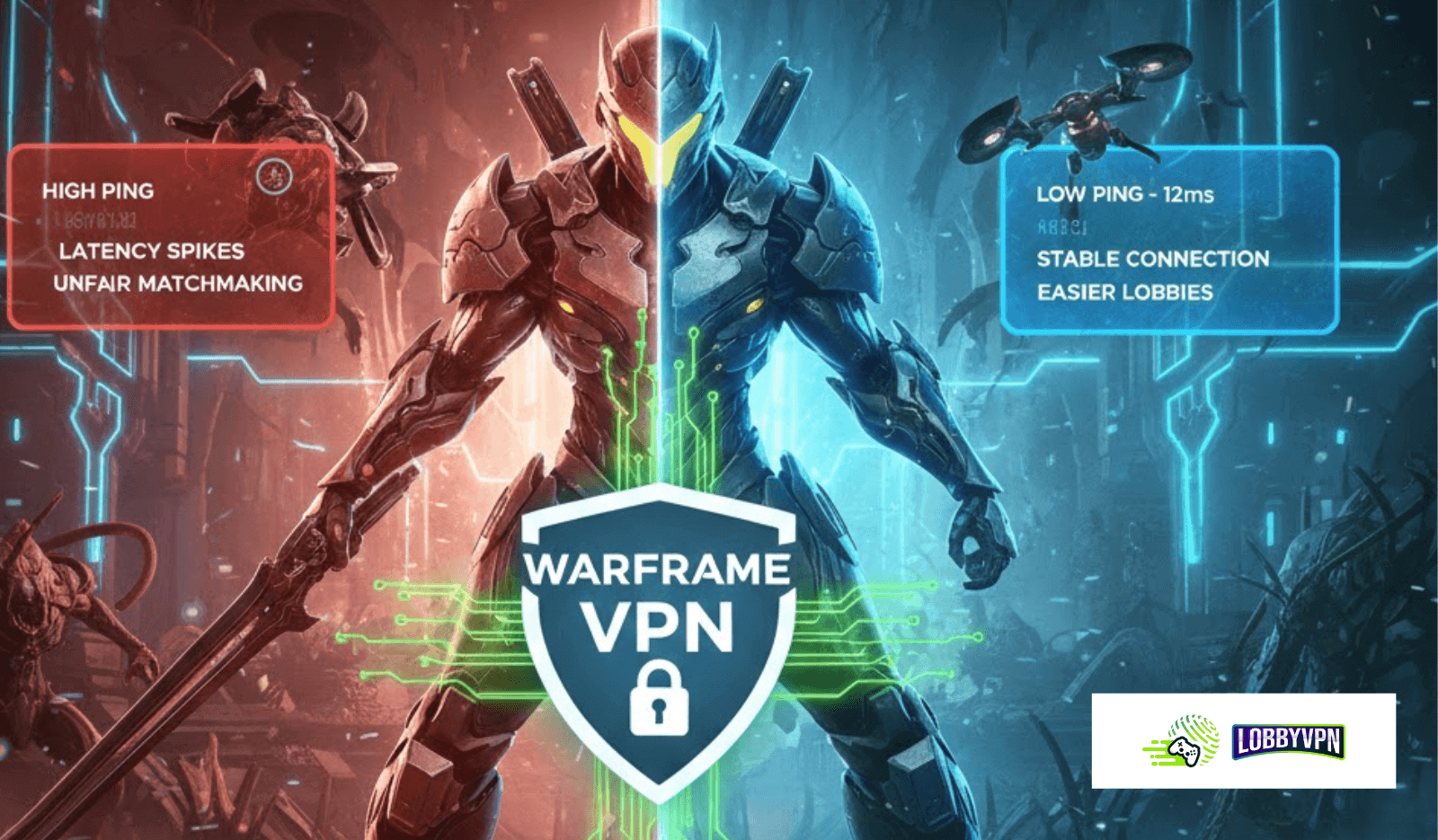
Best VPN for Warframe: Top Free & Premium Options for Smooth Gameplay
Choosing the right VPN for Warframe can completely change how you experience the game-especially if you’re dealing with connection drops, region restrictions, or frustrating lag spikes.
While Warframe doesn’t require a VPN to play, thousands of players use one to stabilize routing, protect themselves from DDoS attacks, and sometimes even find smoother matchmaking routes.
This guide breaks down everything you need to know – from benefits to setup tips – so you can play Warframe with more stability, safety, and control.
Why Warframe Players Use a VPN
Players typically use a VPN for Warframe to:
- Avoid ISP throttling during high-traffic hours
- Reduce lag caused by inefficient routing
- Protect against targeted DDoS attacks in public lobbies
- Access the game when traveling or facing regional issues
- Maintain privacy and prevent packet sniffing on public Wi-Fi
While a VPN will not give competitive advantage, it enhances connection reliability—which matters in a fast-paced, co-op action shooter.
What Makes a Good VPN for Warframe?
Not all VPNs are gaming-friendly. To enjoy smoother gameplay, look for the following features:
1. Fast, Stable Speeds
Warframe is fast-paced and relies heavily on consistent server communication. A VPN with throttling or slow speeds will ruin gameplay.
2. Low-Latency Tunneling
Modern protocols like WireGuard or optimized UDP connections reduce overhead and help maintain low ping.
3. Global Server Coverage
If you want to play with friends abroad—or avoid routing issues—more region options give you more flexibility.
4. Strong Security
A solid VPN encrypts traffic and protects you from DDoS attacks if someone targets your IP.
5. Zero Data Limits
Free VPNs often limit bandwidth, which is not ideal for multiplayer sessions.
6. No-Logs Policy
Good for privacy-conscious players who want a secure online footprint.
Best Free VPN Options for Warframe (Realistic Picks)
Note: Free VPNs work best for casual play—not long sessions—due to limited servers and speed constraints.
1. Lobby VPN (Free Trial)
Pros:
- No data cap
- Reputable privacy standards
- Easy to use
Cons:
- Free servers can get congested
- Not gaming-optimized
Works for short casual runs or light gameplay.
2. Windscribe (Free Plan)
Pros:
- Up to 10GB monthly
- Solid encryption
Cons:
- Data limit may run out quickly
- Free servers are limited
Good for occasional login if you’re traveling or using Wi-Fi you don’t trust.
3. TunnelBear (Free Plan)
Pros:
- Simple interface
- Decent speeds for quick sessions
Cons:
- Very low data cap
- Not ideal for long missions
Useful for testing but not long-term use.
Why Many Warframe Players Upgrade to Premium VPNs
Free VPNs are fine for small missions, but premium VPNs offer a much more stable gaming experience through:
- Larger server networks
- Better latency performance
- Anti-throttling features
- Unlimited bandwidth
- Faster routing and modern protocols
- Enhanced DDoS protection
This reliability matters for longer gameplay sessions, Eidolon hunts, Steel Path missions, or railjack operations where stability is crucial.
Many players who work online also prefer a dual-purpose VPN—one that serves gaming and daily usage—especially those who also need the best VPN service for streaming, remote work, or privacy.
Choosing the Best VPN for Warframe
Before picking a VPN, ask yourself:
- Do you play with friends abroad?
- Do you face ISP throttling?
- Do you need routing stability?
- Do you ever get disconnected in long missions?
- Do you play in public Wi-Fi environments?
If your answer is yes to any of these, using a VPN makes sense.
If you need more control—like managing device-level VPN profiles or deploying custom servers— some players even explore white label VPN service solutions for advanced setups or LAN-level security.
How to Set Up a VPN for Warframe
Setting up is simple:
Step 1 — Install the VPN
Choose your provider and download the app for your PC, console (via router), or mobile.
Step 2 — Select a Nearby Server
Closer = lower ping.
Avoid extremely distant regions unless you are playing with international friends.
Step 3 — Use a Fast Protocol
Enable:
- WireGuard
- OpenVPN UDP
- Any gaming-optimized mode
Step 4 — Restart Warframe After Connecting
This ensures matchmaking refreshes properly.
Step 5 — Test a Few Servers
Some players get better routing through neighboring countries rather than their own.
Can a VPN Reduce Lag in Warframe?
A VPN cannot magically make you faster than your actual internet connection.
However, it can help if:
- Your ISP is throttling gaming traffic
- Your default route is inefficient
- You are connecting to far-away data centers
In these cases, a VPN can sometimes stabilize gameplay.
If you use remote access tools for work—like the Best VPN for Remote Desktop category of VPNs—choosing a hybrid VPN that supports both gaming and work can give you a single, powerful solution for everything.
Final Verdict: Which VPN is Best for Warframe?
If you’re looking specifically for a free VPN for Warframe:
- ProtonVPN is the best overall due to unlimited bandwidth.
- Windscribe is dependable but limited.
- TunnelBear is only suitable for quick, occasional sessions.
If you want the best experience—especially consistent matchmaking, reliable ping, and safer online sessions—premium VPNs are realistically the better option.
A good VPN for Warframe helps you play with fewer interruptions, more privacy, and smoother connection stability, making every mission more enjoyable.