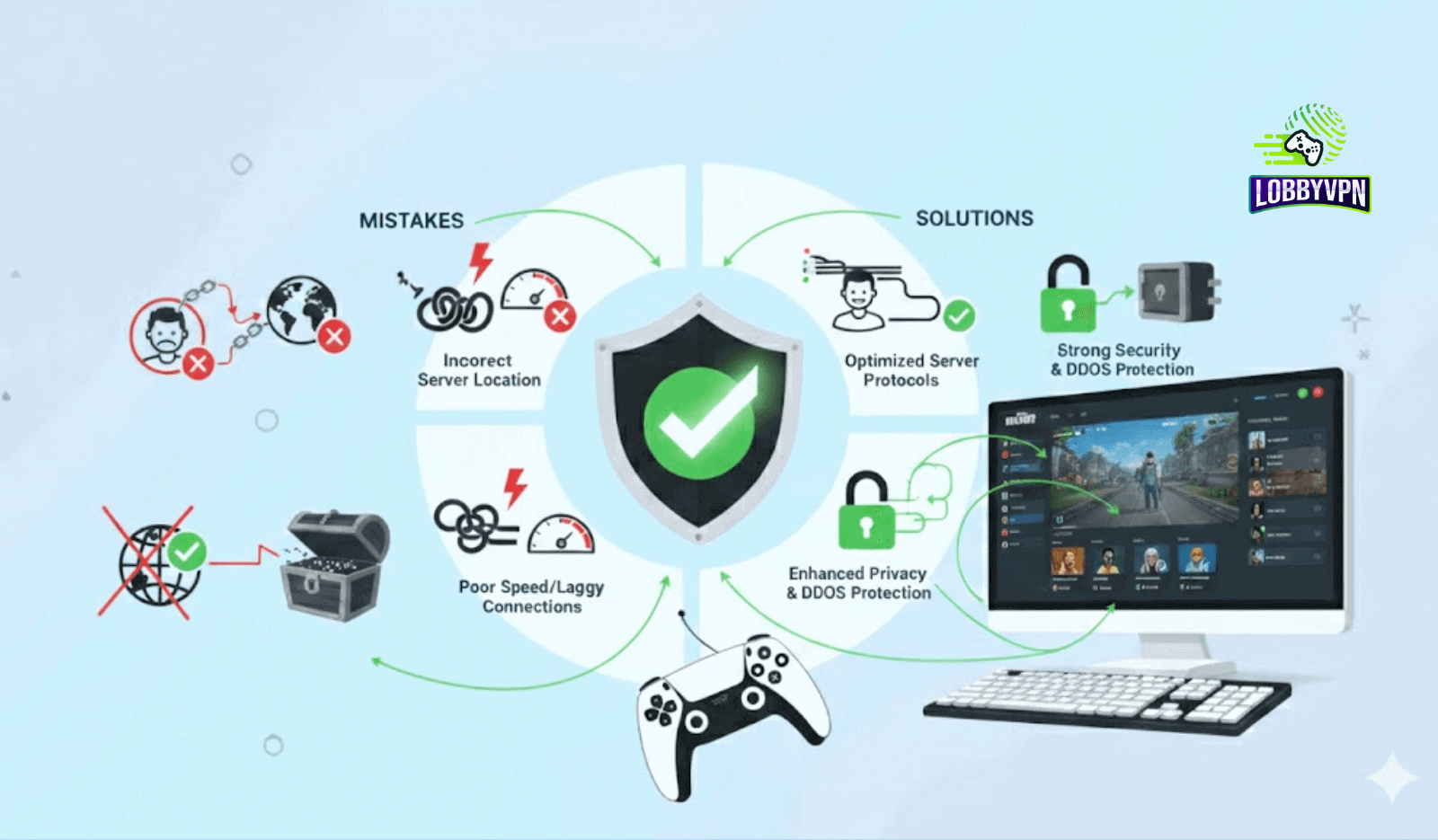
Common VPN Mistakes Gamers Make (And How to Avoid Them)
Competitive gamers rarely use a VPN out of curiosity. They turn to it because something feels off. Matches feel sweatier than usual. Ping spikes hit mid-fight. Friends in another region get easier lobbies. Privacy concerns linger after another data breach headline. A VPN promises control.
Gamers rely on a VPN for three core reasons: privacy from ISP monitoring, more stable routing to game servers, and access to different regions. When used correctly, a VPN for Call of Duty or Warzone can reduce routing inefficiencies, protect against DDoS attacks, and help avoid ISP throttling during peak hours.
Problems start when the configuration goes wrong. Small mistakes can quietly sabotage performance. Choosing the wrong server can add 40 ms of latency. Using a free VPN can introduce packet loss. Leaving a VPN active during updates can tank download speeds. Worse, poor VPN usage can trigger anti-cheat systems or matchmaking restrictions.
This guide breaks down the common VPN mistakes gamers make, explains why they happen, and shows how to fix them. The goal is simple. Help you game smarter, not harder, with a VPN setup that works with the network stack, not against it.
Using a VPN Server Too Far From the Game Server
Distance is the silent killer of online performance. One of the most common VPN mistakes gamers make is connecting to a server halfway across the world because it sounds more secure or exotic.
Every extra mile your packets travel adds latency. When a VPN server sits far from the actual game server, your traffic takes a longer path before it even reaches Activision or Blizzard infrastructure. That delay stacks quickly in fast-paced shooters.
Many players chasing easier lobbies search for the best Warzone server locations and assume faraway regions guarantee lower skill brackets. That logic often backfires. A VPN for Warzone vs Multiplayer requires different thinking. Warzone relies heavily on real-time positional data and server tick rates. Multiplayer tolerates slightly higher latency but still punishes extremes.
Another misconception revolves around security. Players assume distant locations offer stronger encryption. In reality, AES-256 encryption strength stays identical regardless of server geography. The only variable changing is the routing distance.
Best practice:
- Choose a VPN server geographically close to the actual game server, not your home country
- Test two or three nearby regions during off-peak hours
- Prioritize lower ping over perceived matchmaking advantages
Lobby VPN approaches this differently by mapping gamer traffic through optimized regional routes rather than pushing users toward extreme locations. That design choice alone avoids a major category of VPN gaming mistakes.
Choosing Free or Low-Quality VPNs for Gaming
Free VPNs look tempting. Zero cost. Quick install. Bold promises of easy lobbies. Reality hits fast.
Most free VPNs operate on overcrowded servers with aggressive bandwidth caps. Hundreds of users share the same IP pool. Congestion leads to jitter, packet loss, and inconsistent latency. For fast shooters, that translates into missed shots and delayed hit registration.
Security risks run deeper. Many free VPNs monetize through logging and data resale. That practice exposes browsing habits, IP history, and sometimes device identifiers. Gamers using free VPNs for Warzone often trade short-term access for long-term privacy loss.
Free VPNs for Warzone also struggle with platform restrictions. Shared IP ranges get flagged faster. Matchmaking errors become common. Disconnects spike during peak hours.
Low-quality paid VPNs introduce similar problems. Outdated infrastructure. Weak tunneling protocols. Poor peering agreements with ISPs.
A gaming VPN must handle sustained UDP traffic, not just casual browsing. Lobby VPN focuses on multi-tenant infrastructure designed for real-time applications, which avoids the oversubscription issues common in generic VPN services.
Ignoring VPN Protocol Settings
Protocol choice matters more than most gamers realize. Default settings prioritize compatibility, not performance.
WireGuard, OpenVPN, and IKEv2 behave very differently under load. WireGuard offers low overhead and fast handshake times, making it ideal for shooters. OpenVPN provides strong security but adds processing overhead. IKEv2 excels on mobile connections due to fast reconnection.
Using the wrong protocol can introduce packet reordering, jitter, or CPU bottlenecks on older consoles and routers. Those symptoms feel like server lag, but the root cause sits locally.
Protocol guidance for gamers:
- Use WireGuard for Warzone and multiplayer shooters
- Avoid TCP-based tunneling for real-time games
- Match protocol choice to platform capabilities
Lobby VPN defaults to gaming-optimized protocols while still allowing manual overrides. That balance prevents another frequent VPN mistake gamers make without forcing advanced users into rigid presets.
Leaving the VPN On for All Activities
A VPN does not need to run nonstop. Many gamers leave it active for downloads, streaming, browsing, and gameplay. That habit quietly drains performance.
Background VPN usage consumes system resources. Encryption overhead increases CPU usage. Network drivers handle extra processing. On consoles, this often happens at the router level, impacting every connected device.
Split tunneling solves this. It allows game traffic to route through the VPN while updates, voice chat, or downloads bypass it. Smart VPN usage also means disabling the VPN during massive patch downloads, then re-enabling it before matchmaking.
Smart usage tips:
- Enable split tunneling where supported
- Disable VPN during large downloads
- Activate VPN only before matchmaking
Lobby VPN integrates usage-based routing profiles that simplify this process without constant manual toggling.
Using a VPN in Games That Actively Restrict Them
Not every game welcomes VPN traffic. Some publishers flag known VPN IP ranges due to fraud prevention or anti-cheat policies.
Using a VPN in restricted titles can lead to matchmaking delays, shadow bans, or temporary account reviews. Call of Duty titles monitor abnormal IP switching patterns closely, especially during ranked play.
Before using a VPN for Call of Duty, players should verify compatibility. Trusted providers publish transparency notes about supported games and routing behavior.
Lobby VPN avoids high-risk IP pools and rotates addresses conservatively. That reduces detection risk while maintaining consistent routing behavior.
Not Testing Ping, Packet Loss, and Speed Before Playing
Speed tests alone mislead gamers. A 300 Mbps result means nothing if packet loss spikes during combat.
Ping stability and packet delivery consistency matter more than raw throughput. Gamers should test latency inside the game client whenever possible. Warzone provides real-time ping metrics during matches. Use them.
Pre-game checklist:
- Test ping on the selected VPN server
- Monitor packet loss for two minutes
- Switch servers if jitter appears
Lobby VPN surfaces these metrics directly in the dashboard, reducing guesswork.
Assuming a VPN Automatically Fixes Lag
A VPN improves routing efficiency. It does not rewrite physics.
Lag often stems from ISP congestion, poor Wi-Fi signal strength, or overloaded game servers. DNS configuration also plays a role. Many players confuse DNS vs VPN functionality. DNS handles name resolution. VPN handles traffic routing and encryption.
Using the best DNS servers for gaming, such as Google DNS for PS5, can improve connection consistency but will not bypass server-side lag.
A VPN helps when the ISP routing takes inefficient paths. It fails when servers are overloaded or Wi-Fi interference exists. Understanding this distinction sets realistic expectations and prevents frustration.
Best Practices: How Gamers Should Use a VPN Correctly
Effective VPN usage follows discipline. Choose gaming-optimized servers. Switch regions based on time zones. Update VPN clients regularly to benefit from protocol improvements. Use console-compatible configurations for the best console VPN experience.
Players searching for the best Call of Duty VPNs or the best VPN for Black Ops 7 should prioritize providers that understand SBMM dynamics. VPN and SBMM interactions depend on routing behavior, not gimmicks. A VPN cannot magically turn SBMM off in Warzone, but it can influence how matchmaking servers perceive latency and region.
Lobby VPN focuses on consistent routing rather than exaggerated promises, which aligns better with long-term performance and account safety.
Conclusion: Smarter VPN Use = Better Gaming Experience
Most performance issues stem from avoidable mistakes. Poor server selection. Free VPN usage. Ignoring protocols. Unrealistic expectations.
Avoiding the common VPN mistakes gamers make leads to smoother matches, fewer disconnects, and more predictable performance. Competitive players benefit the most, but casual gamers notice the difference, too.
A VPN works best when treated as a network optimization tool, not a shortcut. Providers that understand gaming traffic, routing behavior, and platform constraints deliver consistent results over time.
Lobby VPN was built around those realities. Not hype. Not shortcuts. Just reliable infrastructure designed for gamers who value stability as much as wins.