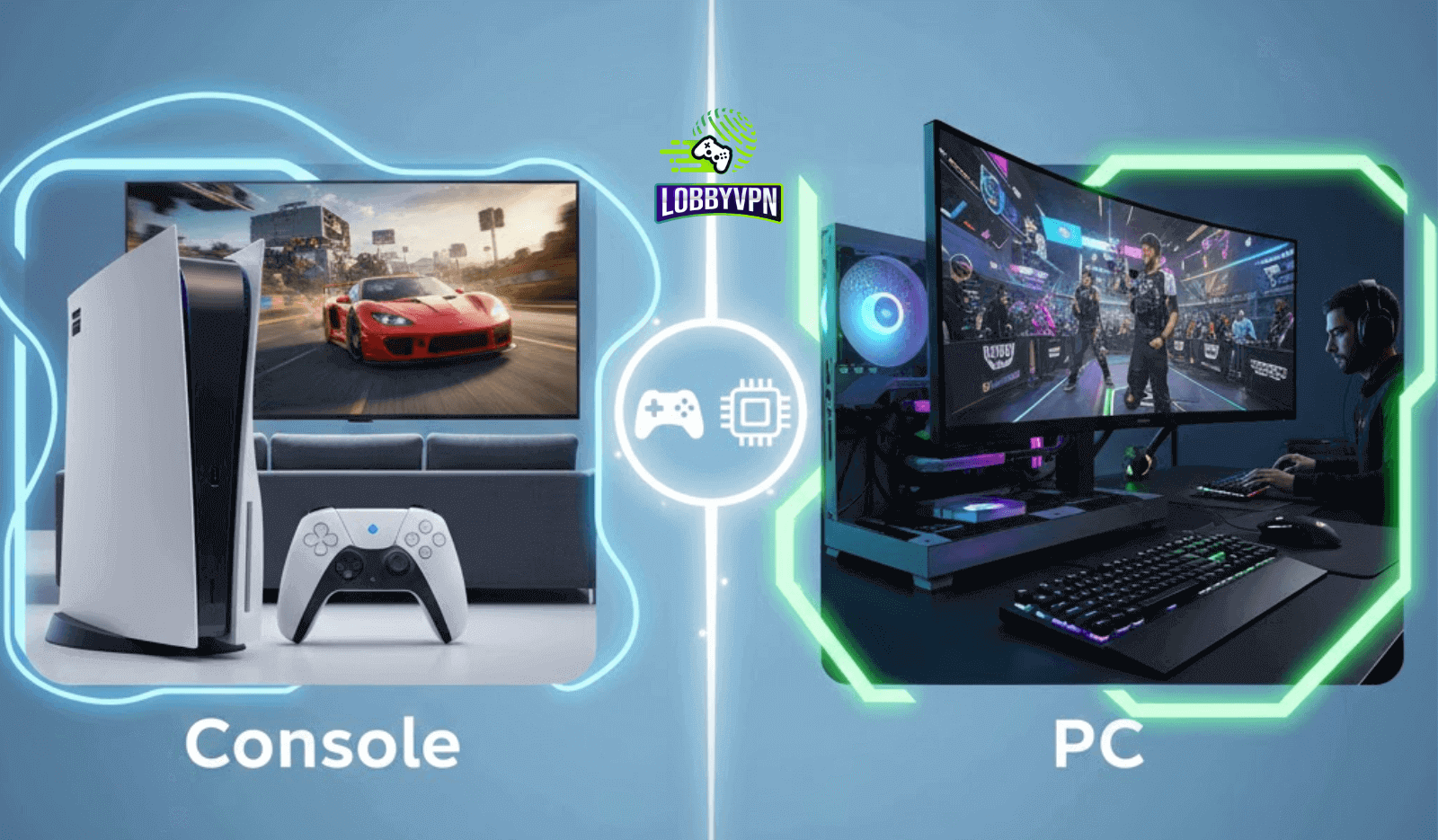
Console vs PC: Using a Call of Duty VPN Correctly
A VPN works brilliantly for one Call of Duty player and feels useless for another. That disconnect usually comes down to platform differences, not VPN quality.
Console players often complain about higher ping, sudden lag spikes, or matchmaking that feels unchanged. PC players, on the other hand, report smoother games, altered lobby difficulty, or better server consistency. Both experiences can be valid at the same time.
The real issue sits at the intersection of networking architecture, matchmaking systems, and routing control. That is why understanding Console vs PC Call of Duty VPN behavior matters more than chasing brand promises or viral clips.
Players searching for easier lobbies, lower latency, or relief from aggressive matchmaking need clarity, not myths. This guide breaks down how VPN usage actually works across platforms and how to apply it correctly without hurting performance or risking account stability.
How Call of Duty Networking Works on Console vs PC
Console and PC do not handle network traffic the same way. That single fact shapes every VPN outcome.
Consoles rely on closed network stacks controlled by the operating system. PlayStation and Xbox abstract most routing logic from the user. Traffic flows through fixed pathways with limited inspection or tuning options. That simplicity keeps systems stable but reduces flexibility.
PC networking tells a different story. Windows allows granular control over traffic prioritization, routing tables, packet inspection, and diagnostics. VPN apps can selectively route traffic, apply split tunneling, and react dynamically to congestion.
Matchmaking routing also differs. PC clients can influence how traffic enters regional data centers more effectively, while consoles follow stricter routing paths defined by platform services.
These architectural gaps explain why the same VPN setup delivers radically different results across platforms, especially when players experiment with VPN for Call of Duty scenarios tied to matchmaking.
Matchmaking and SBMM: Console vs PC Differences
Skill-based matchmaking does not operate in isolation. It works alongside connection quality, player availability, and regional server pools.
On PC, VPN and SBMM interactions feel stronger because routing changes affect more matchmaking inputs. Latency stability, packet delivery order, and regional proximity all influence how players are grouped during queue formation.
Crossplay complicates things further. Console players joining PC-heavy lobbies experience stricter SBMM weighting due to denser competitive pools. Meanwhile, off-peak PC regions sometimes relax those constraints due to limited player availability.
Many players ask whether a VPN can turn SBMM off in Warzone. The short answer stays consistent. VPNs do not disable SBMM systems. They can, however, influence regional matchmaking conditions that SBMM operates within.
Understanding that nuance prevents unrealistic expectations and avoids risky behavior.
Using a Call of Duty VPN on PC: Best Practices
PC players benefit from control. That advantage disappears when misused.
A properly configured VPN for Call of Duty on PC focuses on routing efficiency, not extreme location hopping. App-level VPNs with split tunneling allow game traffic to follow optimized paths while keeping background apps local.
Selecting nearby regions with lighter congestion often improves consistency more than distant servers. Off-peak regions sometimes help matchmaking feel less punishing, but stability must remain the priority.
Packet loss and jitter ruin performance faster than raw ping numbers. Monitoring these metrics explains how to fix lag in Call of Duty more effectively than chasing theoretical lobby changes.
Gaming-optimized VPNs that avoid packet inspection and throttling outperform privacy-first tools here. That distinction separates general-purpose VPNs from platforms built for real-time traffic.
Using a Call of Duty VPN on Console: Best Practices
Console VPN usage requires a different mindset. Apps are not an option. Routers become the control layer.
A Best Console VPN setup runs at the router level, encrypting traffic before it reaches the console. This method improves routing but removes per-app flexibility. Stability matters more than experimentation.
DNS tweaks often get confused with VPN performance. Switching to Google DNS for PS5 or other best DNS servers for gaming can improve name resolution speed. That helps with connection initiation but does not change routing paths or matchmaking behavior.
DNS and VPN solve different problems. Relying on DNS changes alone leads to disappointment, especially when players expect matchmaking differences.
Console players see the best results when router VPN servers stay geographically reasonable, and latency remains predictable.
Router VPN vs App VPN: Which Works Better?
Each setup has trade-offs. Router VPNs offer device-wide protection and consistent routing. They suit households running consoles, smart TVs, or mixed devices. Configuration stays fixed, which reduces errors.
App VPNs deliver flexibility. PC players can switch regions quickly, apply split tunneling, and adapt routing per session. The DNS vs VPN debate fits here. DNS handles address resolution. VPNs control traffic flow and encryption. Confusing the two creates false expectations.
Mixed households benefit from router-level VPNs paired with app-level overrides on PC. That hybrid approach balances stability and control.
Ping, Latency, and Stability: Platform-by-Platform Breakdown
PC players notice latency fluctuations immediately. High refresh rates and faster input cycles expose instability within seconds.
Console players often feel lag more subtly but suffer longer recovery times when routing fails. Fixed hardware magnifies packet loss during fast-paced gunfights.
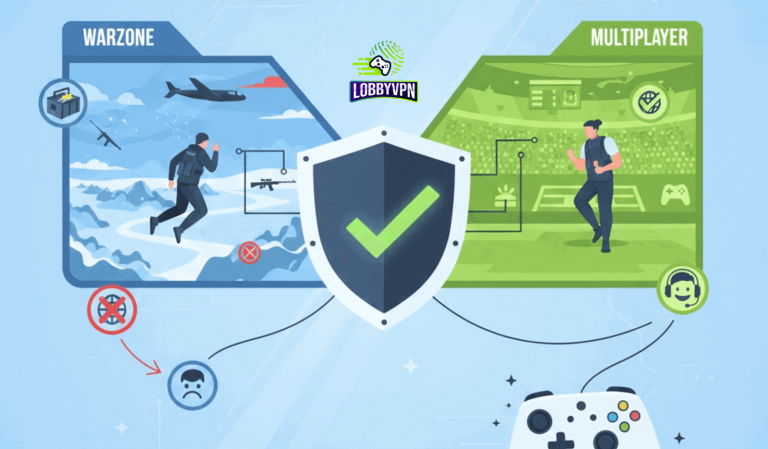
VPN server distance affects both platforms differently. Warzone tolerates slightly higher latency due to its scale, while multiplayer modes punish instability instantly. That reality explains why VPN for Warzone vs Multiplayer strategies must differ.
Selecting servers near actual game data centers beats chasing distant regions every time.
Common Mistakes Console and PC Players Make
Many VPN frustrations are self-inflicted.
Players often jump across continents hoping for easy lobbies. That behavior increases jitter and packet loss, harming performance more than SBMM ever did.
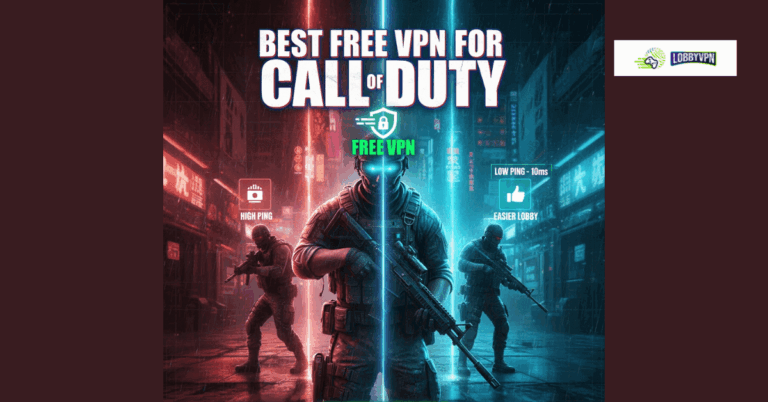
Free tools create bigger problems. Free VPNs for Warzone typically introduce throttling, shared IP congestion, and unstable routing. Those factors trigger lag and inconsistent matchmaking.
DNS tweaks get mistaken for VPN routing. Changing DNS alone never alters server paths or SBMM behavior.
Smart usage favors restraint, consistency, and realistic goals.
How to Choose the Right VPN Based on Your Platform
PC players should prioritize:
- Split tunneling support
- Low jitter routing
- Transparent server infrastructure
Console players should prioritize:
- Router compatibility
- Stable regional servers
- Minimal packet inspection
The Best Call of Duty VPNs focus on gaming-first routing rather than pure anonymity. Features like WireGuard support, optimized paths, and congestion-aware servers matter more than marketing claims.
Some platforms also power white label VPN for business solutions, where routing intelligence scales across multiple brands. That backend quality often reveals itself through consistent gameplay performance.
Console vs PC VPN Comparison Table
| Feature | PC VPN Setup | Console VPN Setup |
|---|---|---|
| Setup Method | App-based | Router-based |
| Routing Control | High | Medium |
| SBMM Influence | Moderate | Limited |
| Stability Priority | Critical | Essential |
| Recommended VPN Type | Gaming-optimized | Gaming-optimized |
Final Thoughts: Using a Call of Duty VPN the Right Way
Platform awareness matters more than brand hype. Console and PC players live in different networking realities, even inside the same game.
Responsible VPN usage focuses on routing quality, stability, and ethical play. Viral promises rarely deliver sustainable results.
Players who approach Console vs PC Call of Duty VPN setups with performance-first logic enjoy smoother matches, fewer disconnects, and more predictable lobbies.
Solutions like Lobby VPN resonate with experienced players because they prioritize routing intelligence over gimmicks. That design philosophy aligns with long-term performance, not shortcuts.
Smarter decisions always outperform louder claims.