
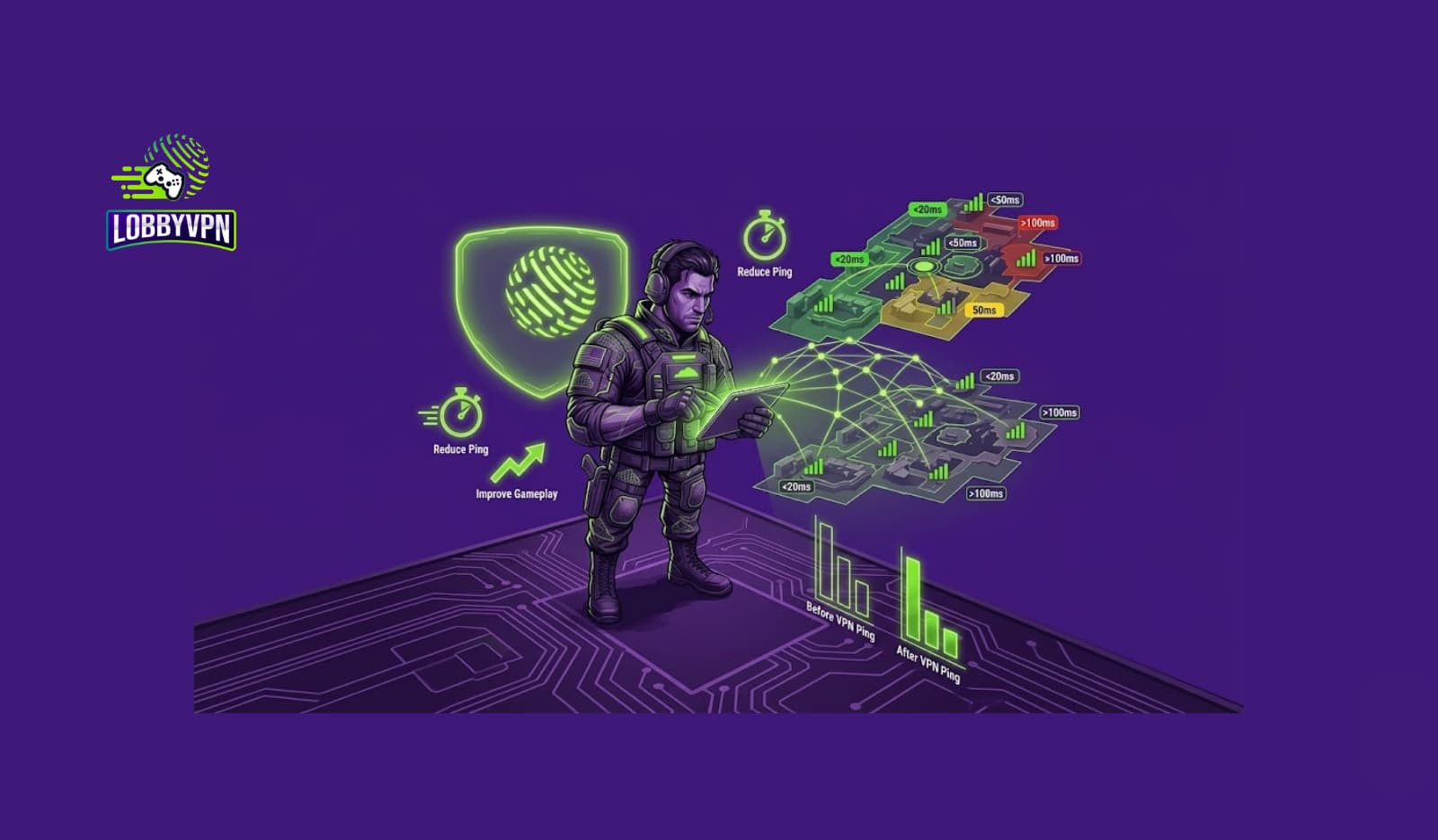
Lag can ruin even the best Call of Duty sessions. Whether you’re on Modern Warfare III, Warzone, or Mobile, sudden spikes, rubber-banding, packet loss, or a frozen frame at the wrong moment can turn a winning streak into pure frustration.
The good news? Lag is fixable — if you understand what’s causing it.
This guide breaks down everything you need to know about why Call of Duty lags, common fixes, and how a gaming VPN like Lobby VPN can dramatically stabilize your connection by improving routing, reducing ping, and bypassing ISP throttling.
We’ll cover every angle — from practical settings to network optimization to region-switching strategies that competitive players quietly use.
Why Call of Duty Lags: The Real Reasons Behind High Ping and Stutter
Lag in COD isn’t caused by one thing — it’s usually a combination of:
1. High Ping
When the server you’re connected to is too far or overloaded.
2. Packet Loss
Unstable data routes cause incomplete packets.
Result: teleporting players, delayed hit registration.
3. Jitter
Your ping fluctuates rapidly, making movement unpredictable.
4. ISP Routing Problems
Your ISP may choose slow or congested routes to COD servers.
5. Congested COD Servers
Especially during weekends or new-season launches.
6. Skill-Based Matchmaking (SBMM)
It may place you in tougher or distant lobbies, increasing latency.
Understanding the root cause makes it easier to fix the lag effectively.
Common Fixes People Try (That Help Only Partially)
Most players attempt the usual:
- Restarting the router
- Switching to a wired connection
- Updating graphics drivers
- Closing background downloads
- Tweaking in-game graphics
- Flushing DNS
- Lowering texture/resolution settings
These help FPS, but they don’t always fix network lag — which typically comes from server routing and region mismatches.
Why COD Lag Still Happens After All Those Fixes
Even after optimizing your own setup, lag continues because:
1. Overcrowded Regional Servers
Everyone in your region connects to the same cluster.
2. Unoptimized ISP Routing
Your ISP chooses a longer or slower route to the COD servers.
3. Strict NAT or Console Networking Limitations
This creates packet loss and unstable pings.
4. Server-Based Matchmaking
Sometimes it puts you into distant servers without warning.
5. Geographic Restrictions
You may not have access to faster or less-congested COD nodes.
This is where VPN-based routing — done correctly — solves problems that no local fix can.
How a Gaming VPN Fixes Lag in Call of Duty
A specialized gaming VPN for COD players can significantly improve gameplay by:
1. Connecting You to Faster Routes
If your ISP takes a slow path, a VPN forces a better one.
2. Reducing Ping by Switching You to Better Servers
COD often assigns you to a suboptimal server.
With a VPN, you can choose the region manually.
3. Stabilizing Jitter and Packet Loss
A premium gaming VPN bypasses congested internet paths.
4. Bypassing ISP Throttling
ISPs slow down gaming traffic during peak hours.
A VPN masks your traffic and stabilizes speed.
5. Accessing Easier SBMM or Lower-Skill Lobbies
Players often use region switching to bypass skill-based matchmaking.
This is why keywords like “skill-based matchmaking bypass”, “low-skill matchmaking VPN”, and “best VPN location for bot lobbies” became common among competitive gamers.
6. Creating Opportunity for Bot Lobbies
Although not guaranteed, many players—especially Warzone users—experiment with region switching to find lighter lobbies.
This is why people search terms like “how to get bot lobbies in Warzone”, “free VPN for bot lobby gaming”, etc.
A VPN doesn’t magically create bot lobbies — but it gives you access to less competitive regions where the player pool is more casual.
Why Lobby VPN Works So Well for COD Players
Lobby VPN specializes in FPS gaming optimization and offers:
✔ Optimized Low-Latency Gaming Routes
Hand-picked servers tuned specifically for Call of Duty.
✔ Auto-Ping Selector
Finds the lowest ping region instantly.
✔ Better Matchmaking Regions
Easier, lighter, or less sweaty lobbies depending on the region load.
✔ Packet Loss Reduction
Consistent routing = fewer spikes & more stable gunfights.
✔ Improved SBMM Behavior
Region-switching often places players into more casual pools.
✔ Console-Friendly Setup
Supports PS, Xbox, and Nintendo using router mode.
✔ No Congested “Shared Traffic” Issues
Unlike free VPNs, routes are not overloaded.
Players typically see improvements like:
- Ping dropping from 90ms → 45ms
- Packet loss going from 5% → 0%
- Matchmaking is becoming more balanced
- Gunfights are registering more accurately
These improvements come from rerouting, not magic — and that’s the key.
How to Fix Call of Duty Lag Using Lobby VPN
Follow these steps:
1. Connect to a Recommended Region
(Some examples players commonly use)
- UK players → Germany, Netherlands
- Middle East players → Turkey, Germany
- US East players → Chicago, Virginia
- US West players → Oregon, Dallas
- Asian players → Singapore, Tokyo
This helps you avoid overcrowded nodes.
2. Restart COD After Connecting
COD detects your region only at matchmaking start.
3. Test 2–3 Nearby Regions
Every ISP behaves differently — find what works best.
4. Monitor Your Ping
Lobby VPN shows real-time ping so you can choose the lowest.
Quick Optimization Checklist
Before launching the game, check:
- Background apps closed
- Console/PC wired if possible
- VPN connected to a low-latency region
- In-game server status active
- FPS settings balanced
- Mobile hotspot disabled
- NAT Type open (VPN helps indirectly)
This combination fixes 90% of lag issues for most COD players.
Final Thoughts
Fixing lag in Call of Duty is about understanding routing, not just graphics settings.
While local optimizations help, the real gains come from:
- Better network paths
- Lower congestion
- Smarter region selection
- Controlled matchmaking environments
A gaming VPN designed specifically for COD — like Lobby VPN — tackles problems that normal fixes can’t touch, from packet loss to server mismatch to unfair SBMM distributions.
If lag, high ping, or sweaty lobbies keep ruining your experience, trying optimized gaming routes may be the best upgrade you make this season.