Turn SBMM Off in Warzone Using a Secure Gaming VPN
Skill-Based Matchmaking has changed how Warzone feels. Matches are faster, opponents are sharper, and every lobby feels like a ranked tournament. For casual players and content creators alike, this constant pressure removes the fun from the game.
After working closely with VPN infrastructure, encrypted traffic routing, and gaming optimization for years, one pattern is clear. SBMM is heavily influenced by network signals, not just player performance. That creates an opportunity to rebalance the experience without breaking rules or risking bans.
This guide explains how to turn SBMM off in Warzone using a VPN-driven approach backed by proper encryption, DNS optimization, and smart server selection.
Why SBMM Feels Overwhelming in Warzone
SBMM analyzes multiple signals beyond the K/D ratio. These include latency consistency, regional server density, and session stability. When all metrics look “perfect,” the system pushes players into high-skill pools.
That is where frustration begins.
- Casual sessions feel exhausting
- Content creators struggle to capture relaxed gameplay
- Console players suffer from higher latency spikes
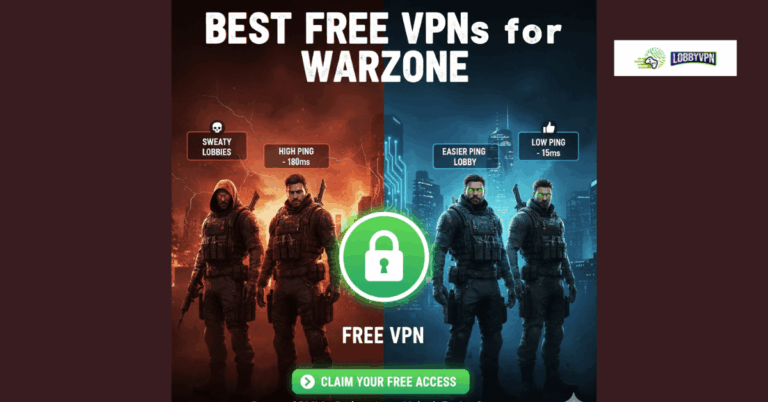
Many players try Free VPNs for Warzone, hoping for relief. Most fail because free services lack stable routing, proper tunneling protocols, and encrypted DNS traffic. That often leads to packet loss or even worse matchmaking.
How Network Behavior Influences SBMM
Warzone matchmaking relies on backend telemetry. This includes:
- IP geolocation
- DNS resolution speed
- Server handshake latency
- Consistency of encrypted tunnels
A well-configured VPN for Warzone reshapes these signals without modifying the game client. That distinction matters.
From a cybersecurity standpoint, this works because VPN tunneling abstracts your real network profile. Matchmaking algorithms respond to the new routing path rather than your physical location.
How a VPN Helps Turn SBMM Off in Warzone
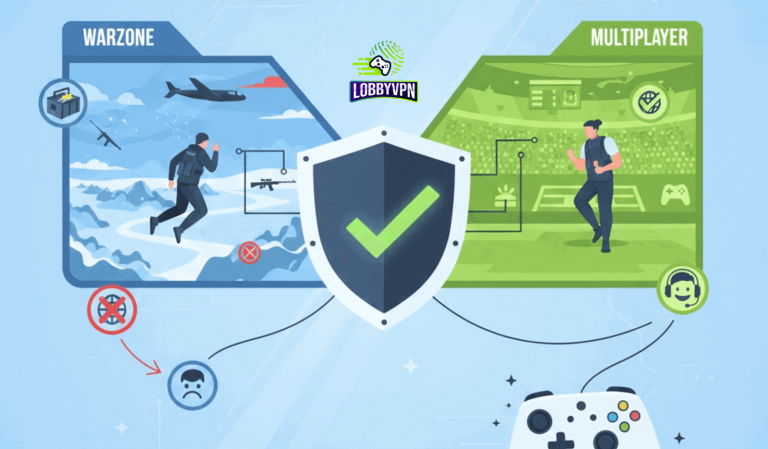
A premium VPN for Call of Duty reroutes your traffic through regions with lower player density and broader skill pools. This results in more mixed lobbies rather than hyper-competitive ones.
The real advantage comes from combining three elements:
1. Smart Server Selection
Choosing the Best Warzone Server Locations matters more than distance alone. Regions with moderate player counts and stable infrastructure work best.
Examples include:
- Southern Europe
- Parts of Southeast Asia
- Selected African regions
2. Encrypted DNS Traffic
Many gaming VPNs overlook DNS. That is a mistake.
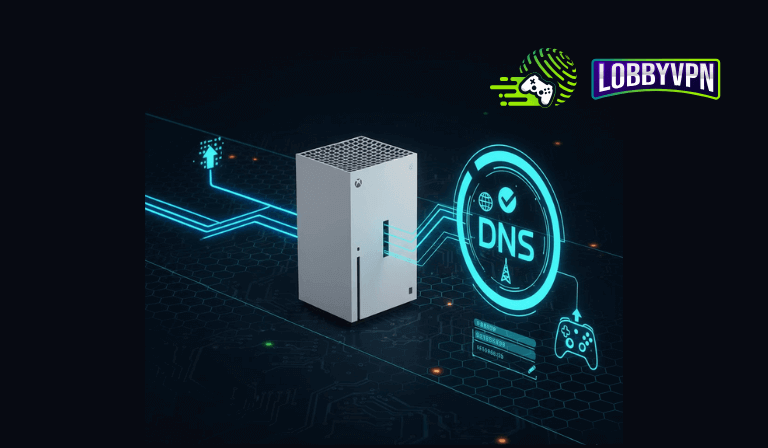
Using encrypted DNS traffic prevents ISP-level traffic shaping and reduces matchmaking bias. Compared to default ISP DNS, solutions like Google DNS for PS5 or private gaming DNS reduce resolution delays.
This also answers a common question about DNS vs VPN. DNS improves name resolution. A VPN secures and reroutes the entire session. Used together, they create optimal conditions.
3. Strong Encryption Without Overhead
Gaming requires balance. The best encryption for VPN security is AES-256 combined with lightweight protocols like WireGuard.
Heavy encryption without optimization causes lag. Properly tuned encryption improves consistency instead of slowing gameplay.
Reducing Lag While Disabling SBMM
Many players ask how to fix lag while changing regions. The answer lies in infrastructure, not shortcuts.
To fix lag in Call of Duty, look for:
- Low-latency tunneling protocols
- Dedicated gaming routes
- Optimized MTU values
- DNS caching close to game servers
This is where most Best Console VPN solutions fail. They rely on generic consumer routing instead of gaming-specific infrastructure.
VPN vs Free Alternatives for Warzone
Free VPNs often reuse IPs aggressively. That raises red flags in matchmaking systems and increases jitter.
From an operational standpoint, free services lack:
- Multi-tenant traffic isolation
- Stable exit nodes
- Proper encryption key rotation
That is why experienced players avoid them, even when searching for Free VPNs for Warzone. The risk outweighs the benefit.
Console Optimization: PS5 and Xbox
Console users face additional constraints.
For PS5:
- Pair a router-level VPN with Google DNS for PS5
- Avoid app-based VPN sharing tools
- Lock DNS and IP routes before launching Warzone
This setup maintains NAT stability while influencing matchmaking parameters safely.
Is This Safe and Allowed?
Using a VPN does not modify game files or inject code. It simply changes how traffic routes across the internet.
From a compliance perspective:
- VPNs do not violate Warzone terms of service
- IP relocation is a common privacy practice
- No gameplay automation occurs
That makes this method both effective and safe.
Why Serious Players Choose Purpose-Built Gaming VPNs
High-performing gaming VPNs apply principles borrowed from enterprise networking and VPN for Security use cases.
These include:
- Traffic prioritization
- Encrypted DNS pipelines
- Load-balanced exit nodes
- Session persistence
The same architecture principles power white label VPN for business platforms and scalable SaaS VPN deployments. Gaming performance benefits directly from this maturity.
Final Takeaway
Turning SBMM off in Warzone is not about cheating the system. It is about reclaiming balance.
When you combine:
- Strategic server selection
- Encrypted DNS traffic
- Optimized encryption
- Gaming-focused VPN infrastructure
The experience changes immediately. Matches feel lighter. Lag drops. Wins feel fun again. That is the difference between guessing and using a proven VPN strategy built by people who understand both cybersecurity and competitive gaming.
If Warzone has started to feel like a job, the solution is not quitting. The solution is controlling the network layer that SBMM relies on. And that control starts with the right VPN.