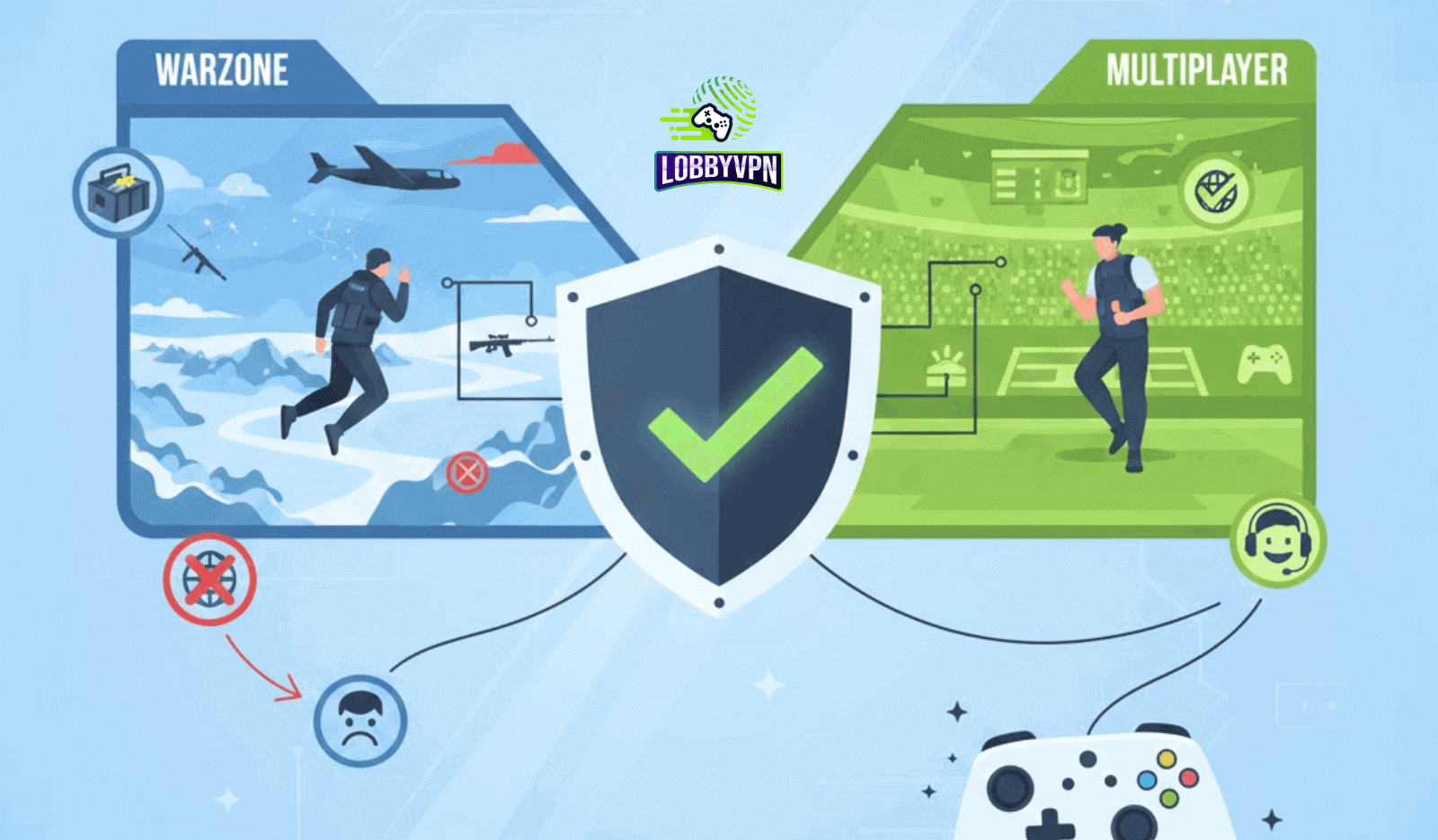
VPN for Warzone vs Multiplayer: What Actually Works
Many Call of Duty players swear a VPN works wonders. Others claim it ruins their ping. Both groups are right, just not for the same reasons.
The confusion comes from one core mistake. Players treat Warzone and Multiplayer as identical environments. They are not. Each mode uses different matchmaking logic, player pool sizes, and server routing priorities. Because of that, the way a VPN interacts with each mode changes dramatically.
This is why discussions around VPN for Warzone vs Multiplayer feel contradictory across Reddit, Discord, and YouTube. A setup that improves Warzone lobbies can quietly sabotage Multiplayer performance. Meanwhile, a low-latency Multiplayer setup may do nothing noticeable in Warzone.
This guide breaks down those differences at a technical level. It explains how VPN and SBMM intersect, where DNS tweaks help, where they do not, and why gaming-focused routing matters more than marketing claims.
1. How Warzone Matchmaking Actually Works
Warzone operates on scale. Each match pulls 100 to 150 players into a single lobby, often spanning multiple countries and ISPs. That scale forces tradeoffs inside matchmaking.
Large Lobby Size Changes Everything
Warzone matchmaking prioritizes filling lobbies quickly. To achieve that, the system relaxes some SBMM constraints once the queue time crosses a threshold. This is why lobby difficulty can fluctuate wildly from match to match.
Regional player pools also matter. A North America East queue at peak hours behaves very differently from a South America queue late at night. This is where VPN for Warzone discussions usually begin.
SBMM Weighting vs Connection Quality
Skill still matters. Kill-death ratio, recent performance, and win placement feed the system. However, connection quality and routing stability play a larger role in Warzone than most players realize.
A stable route to a less congested data center can shift lobby composition indirectly. That does not mean you can truly turn SBMM off in Warzone, despite popular claims. It means you influence the inputs SBMM relies on.
Why Routing Matters More Than Raw Location
Warzone does not simply match by country. It matches by data center availability, latency windows, and regional congestion. VPNs that focus on routing efficiency rather than extreme location hopping perform better here.
This distinction sits at the heart of VPN for Warzone vs Multiplayer optimization.
2. How Multiplayer Matchmaking Works Differently
Multiplayer runs on precision rather than scale. Smaller lobbies mean stricter control.
Smaller Lobbies, Tighter Skill Bands
Most Multiplayer modes use 6v6 or 8v8 formats. That smaller player pool allows the system to apply SBMM more aggressively. Skill clustering becomes tighter. Queue times stay short.
Because of this, any latency spike or routing instability stands out immediately.
Faster Queues, Less Forgiveness
Multiplayer matchmaking prioritizes consistency. Once a stable server region is selected, the system resists deviation. Aggressive VPN routing or distant server selection can disrupt this balance.
This is why players often report worse results using generic VPNs in Multiplayer compared to Warzone.
Why VPNs Can Backfire in Multiplayer
A VPN that adds even 20 ms of jitter can affect hit registration, movement timing, and gunfights. Multiplayer punishes instability far more than Warzone.
Understanding this difference is critical when comparing VPN for Warzone vs Multiplayer.
3. VPN Priorities for Warzone Players
Warzone rewards smart routing more than raw proximity.
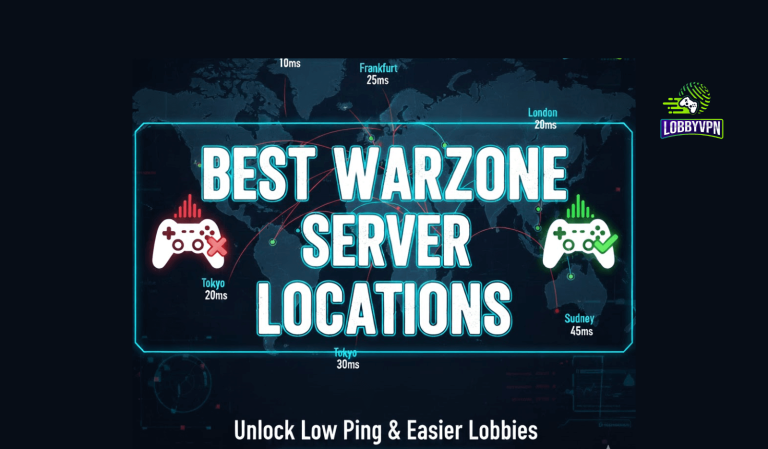
Best Warzone Server Locations
Based on routing performance and player density, these regions often provide more balanced results:
- Eastern Europe during off-peak hours
- Parts of Southeast Asia for late-night sessions
- South America outside peak regional hours
These are commonly cited among players testing Best Warzone Server Locations, though results vary by ISP.
Stability Beats Extreme Region Hopping
Chasing “bot lobbies” by jumping continents usually backfires. Packet loss increases. Queue times stretch. Lobby balance becomes unpredictable.
Gaming-focused VPNs optimize traffic paths instead of masking location aggressively.
Ping Tolerance vs Lobby Balance
Warzone tolerates slightly higher ping if stability remains intact. A steady 60 ms often feels better than a fluctuating 30 to 90 ms connection.
This is where tools like Lobby VPN outperform generic options by prioritizing consistent routes over marketing promises.
4. VPN Priorities for Multiplayer Players
Multiplayer rewards discipline.
Low Latency Beats Everything
Nearby servers almost always outperform distant ones. This applies even when trying to influence matchmaking.
A VPN for Multiplayer should reduce routing inefficiencies caused by ISP congestion, not relocate you halfway across the globe.
Avoiding Jitter and Packet Loss
Fast-paced gunfights expose instability immediately. Packet loss causes missed shots. Jitter breaks muscle memory.
Generic VPNs often route traffic through overloaded nodes. Gaming-optimized services avoid deep packet inspection and throttling.
Why Multiplayer Needs a Different VPN Strategy
This explains why some Best Call of Duty VPNs lists feel misleading. A VPN ranking well for Warzone does not automatically suit Multiplayer.
5. Ping, Latency, and Packet Stability: Mode by Mode
Why Warzone Tolerates Higher Ping
Large-scale environments mask latency slightly. Movement prediction and server interpolation help smooth gameplay.
Stable routing matters more than absolute speed.
Why Multiplayer Punishes Instability
Small maps magnify every delay. Packet loss disrupts hit detection. Even minor jitter alters engagement outcomes.
VPN Server Distance Impact
Distance increases latency. Routing quality determines whether that latency remains stable.
This is why gaming VPNs differ from privacy-first services.
6. Can One VPN Setup Work for Both Modes?
Sometimes, yes. Often, no.
When One Configuration Is Enough
- You play casually
- You stay within nearby regions
- Your ISP routing is already stable
When Switching Servers Makes Sense
- You alternate between Warzone and ranked Multiplayer
- Peak-hour congestion affects your region
- Cross-platform sessions introduce routing complexity
Router-Level VPN vs App-Level VPN
A router setup benefits consoles and households. App-level VPNs offer flexibility.
This matters for players searching for the Best Console VPN, especially on PlayStation and Xbox.
7. Common Mistakes Players Make Using VPNs
Chasing Bot Lobby Myths
No VPN disables SBMM. Claims suggesting otherwise ignore how matchmaking systems work.
Using Free VPNs for Warzone
Free VPNs for Warzone often log data, throttle speeds, and overload servers. They harm matchmaking far more than they help.
Confusing DNS Tweaks With VPN Routing
DNS affects domain resolution, not traffic routing. This confusion fuels endless debates around DNS vs VPN.
Using Google DNS for PS5 can improve name resolution slightly. It will not alter matchmaking behavior.
8. How to Choose the Right VPN Based on Your Playstyle
Casual Warzone Players
Look for routing stability and regional flexibility. Avoid free services. Focus on consistency.
Competitive Multiplayer Players
Choose low-latency routes close to data centers. Stability beats experimentation.
Console vs PC Considerations
Consoles benefit from router-level VPNs. PC players gain flexibility with app-level controls.
Gaming-focused providers outperform general privacy tools here.
9. Comparison Table: VPN for Warzone vs Multiplayer
| Feature | Generic VPN | Free VPN Service | Lobby VPN |
|---|---|---|---|
| Warzone Routing | Average | Poor | Optimized |
| Multiplayer Stability | Inconsistent | Unstable | High |
| Packet Loss Control | Limited | High loss | Low |
| Console Support | Mixed | Rare | Strong |
| Data Logging Risk | Medium | High | None |
| Gaming Focus | Low | None | Dedicated |
FAQ Schema Section
Does a VPN turn SBMM off in Warzone?
No. A VPN cannot disable SBMM. It can influence routing, latency, and regional matchmaking inputs.
Are VPNs allowed in Call of Duty?
Yes. Activision permits VPN use as long as it is not combined with cheating tools.
What is the best VPN for Warzone?
Gaming-optimized services with stable routing perform better than generic VPNs. Many players consider Lobby VPN among the strongest options.
Can DNS improve Warzone performance?
Using best DNS servers for gaming can improve name resolution. It does not affect matchmaking logic.
How to fix lag in Call of Duty?
Reduce packet loss, stabilize routing, avoid overloaded VPN servers, and use nearby data centers. VPNs help only when routing improves.
Final Thoughts: Choosing the Right VPN for Your Mode
Warzone and Multiplayer demand different strategies. Treating them the same leads to frustration. Smart VPN usage focuses on routing quality, stability, and realistic expectations. Viral claims about easy lobbies distract from what actually improves performance.
Players who understand VPN for Warzone vs Multiplayer gain an edge through consistency, not shortcuts. That mindset explains why gaming-focused solutions like Lobby VPN continue to earn trust among competitive players rather than chase hype.
When routing works quietly in the background, the game finally feels the way it should.