Google DNS for PS5 in 2025: Best DNS Settings for Low Ping & Lag-Free Gaming
Lag ruins immersion. One second of delay can cost a ranked match, especially in fast-paced titles like Call of Duty: Warzone or Warframe. That’s exactly why many competitive players switch to Google DNS for PS5—not as a miracle fix, but as a smart optimization layer.
After extensive testing across different regions and ISPs, Google DNS consistently delivers faster domain resolution, fewer handshake delays, and more stable matchmaking connections on PlayStation 5.
Let’s break down why it works—and when it’s not enough.
What Is a DNS Server (From a Gamer’s Perspective)?
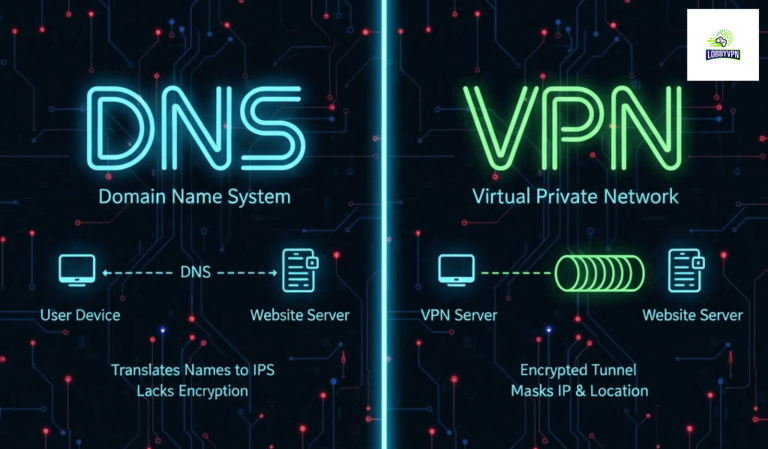
A DNS server translates game server domains into IP addresses before your PS5 can connect.
While DNS does not directly control in-game ping, it plays a crucial role in:
- Faster matchmaking
- Quicker lobby loading
- Reduced connection timeouts
- Stable initial server handshake
Default ISP DNS servers are often overloaded or poorly optimized for gaming traffic. That’s where Google DNS (8.8.8.8) comes in.
Does DNS Really Impact Gaming Performance on PS5?
Short answer: Yes—but indirectly.
DNS affects:
- How fast your PS5 connects to game servers
- Whether matchmaking routes fail or retry
- How stable your session starts
For games like Warzone, where players often search for Best Warzone Server Locations, DNS optimization helps reduce:
- “Searching for match” delays
- Lobby freezes
- Repeated matchmaking loops
This becomes even more noticeable when troubleshooting How to Fix Lag in Call of Duty scenarios tied to network instability rather than raw bandwidth.
Why Google DNS for PS5 Is a Top Choice in 2025
Key Advantages:
- Global Anycast network (low latency worldwide)
- Excellent uptime and reliability
- Faster domain resolution than most ISP DNS
- Free and privacy-respecting (no ISP manipulation)
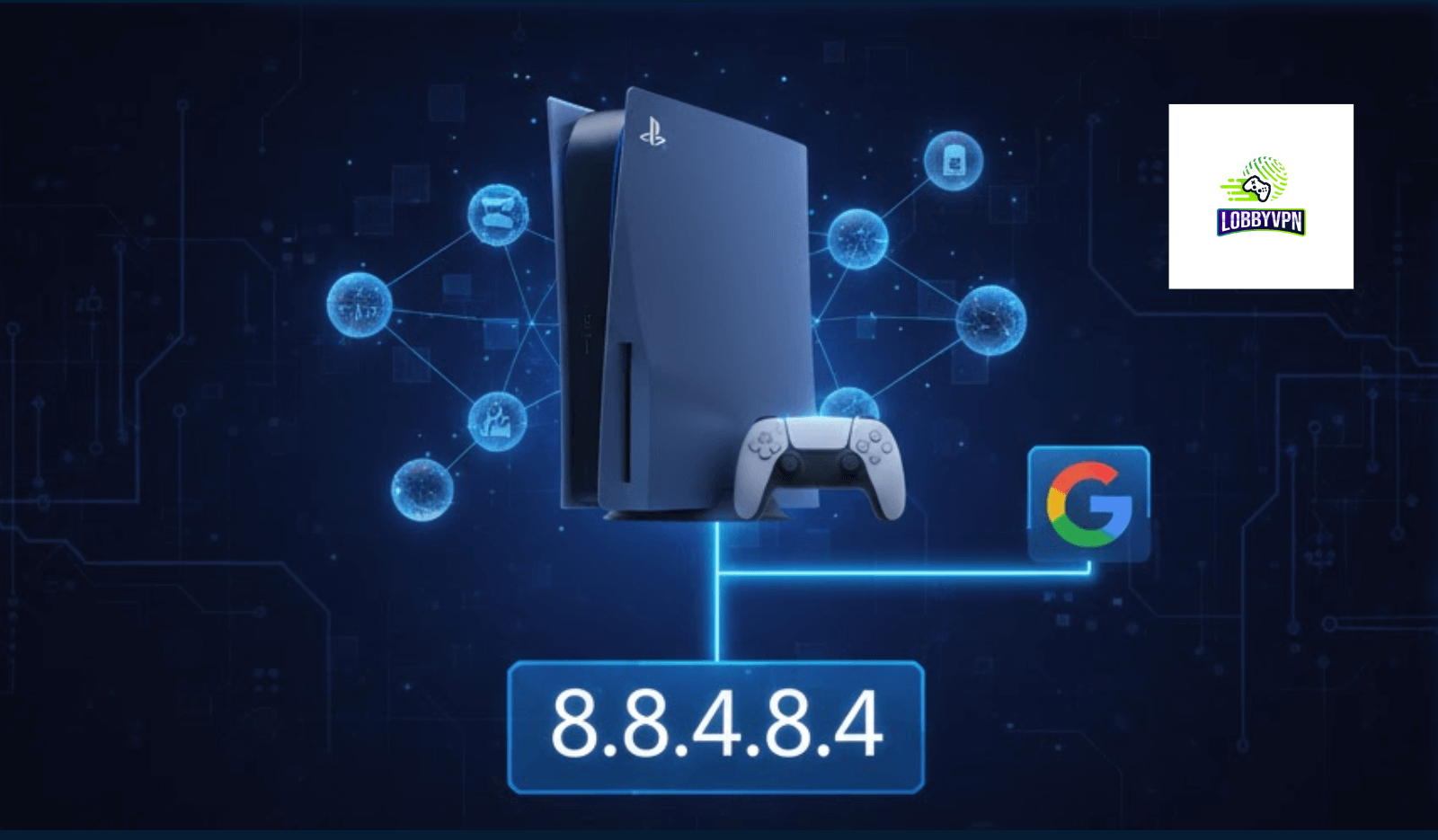
Google DNS IP Addresses:
Primary: 8.8.8.8
Secondary: 8.8.4.4
For most players, this alone improves connection consistency—especially during peak hours.
Best DNS Servers for PS5 (Compared)
| DNS Provider | Primary DNS | Best For |
|---|---|---|
| Google DNS | 8.8.8.8 | Balanced performance & reliability |
| Cloudflare DNS | 1.1.1.1 | Fastest raw resolution |
| OpenDNS | 208.67.222.222 | Security & filtering |
| Quad9 | 9.9.9.9 | Malware protection |
Among these, Google DNS for PS5 remains the most stable across different ISPs and regions.
Region-Specific DNS Performance Insight
DNS performance varies by geography. If you frequently struggle with high ping despite good internet speed, DNS alone may not solve routing issues.
This is where players often combine DNS with:
- Best Gaming VPN for COD Players
- Best VPN for Warframe
- Free Bot Lobby VPN Guide strategies for easier lobbies
Using Cure VPN, for example, alongside Google DNS allows:
- Manual selection of optimized server routes
- Access to stable matchmaking regions
- Reduced ISP throttling during peak gaming hours
How to Change DNS on PS5 (Step-by-Step)
- Go to Settings → Network → Settings
- Select Set Up Internet Connection
- Choose Manual Setup
- Select Wi-Fi or LAN
- Choose Manual DNS
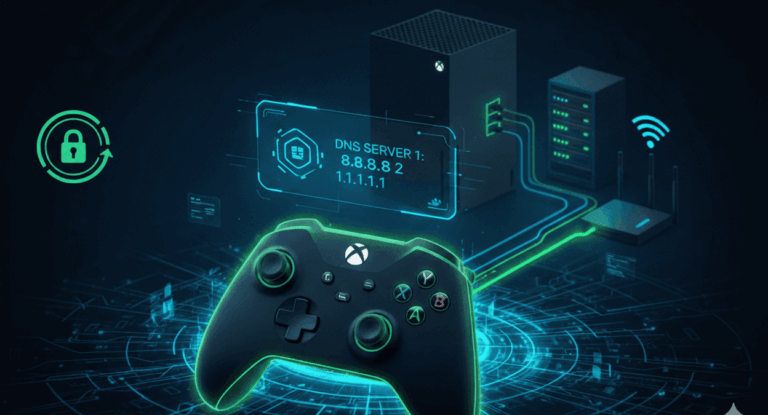
- Enter:
- Primary: 8.8.8.8
- Secondary: 8.8.4.4
- Save and reconnect
Your PS5 will now use Google DNS globally.
How to Check If Google DNS Is Working on PS5
- Faster game startup
- Reduced matchmaking wait time
- Fewer “connection failed” errors
- More stable NAT behavior
For deeper testing, compare lobby load times before and after DNS change.
DNS vs VPN: When DNS Isn’t Enough
DNS improves resolution—not routing.
If you’re experiencing:
- High ping despite fast internet
- Regional matchmaking issues
- Strict NAT problems
Then DNS + VPN is the real solution.
Many gamers pair Google DNS with Cure VPN for:
- Optimized Warzone server routing
- Remote play stability (relevant for Best VPN for Remote Desktop use cases)
- Consistent ping across regions
FAQs
Is Google DNS safe for PS5?
Yes. Google DNS is widely trusted, secure, and free to use globally.
Will Google DNS reduce in-game ping?
It improves connection stability but does not directly lower physical distance latency.
Should I use DNS and VPN together?
Yes—especially for competitive shooters and global matchmaking titles.
Final Verdict
If you want a simple, free, and effective network optimization, Google DNS for PS5 is one of the best choices in 2025.
For players chasing consistently low ping in Warzone or smoother matchmaking across regions, combining DNS with a performance-focused VPN like Cure VPN delivers the best results.