
Best DNS Servers for Gaming

Best DNS Servers for Gaming: Stop Lag and Dominate Call of Duty Lobbies

You hit your shot. You know you did. The kill cam tells a different story. Before you blame your aim, check your DNS. Seriously. Your Domain Name System settings are quietly strangling your connection, and most Call of Duty players have never touched them. Switching to the best DNS servers for gaming takes about three minutes and can shave real milliseconds off your latency. That is not a small thing when every frame counts. This guide breaks down exactly which

Read More »
DNS vs VPN

DNS vs VPN: What’s the Real Difference—and Which One Should You Use?

If you’re comparing DNS vs VPN, you’re likely trying to answer one simple question: Do I need speed, privacy, or control—and what’s the right tool for that job? While DNS services and VPNs are often mentioned together, they solve very different problems. Choosing the wrong one can lead to privacy leaks, gaming lag, blocked content, or false expectations. This guide breaks it down clearly—without jargon, bias, or sales noise. What Is DNS (Domain Name System)? DNS is the internet’s address

Read More »
Google DNS for PS5

Google DNS for PS5 in 2025: Best DNS Settings for Low Ping & Lag-Free Gaming

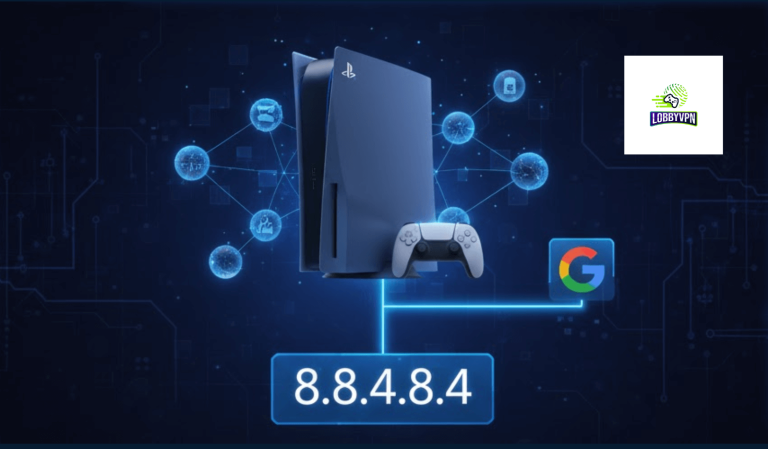
Lag ruins immersion. One second of delay can cost a ranked match, especially in fast-paced titles like Call of Duty: Warzone or Warframe. That’s exactly why many competitive players switch to Google DNS for PS5—not as a miracle fix, but as a smart optimization layer. After extensive testing across different regions and ISPs, Google DNS consistently delivers faster domain resolution, fewer handshake delays, and more stable matchmaking connections on PlayStation 5. Let’s break down why it works—and when it’s not

Read More »

Custom DNS Setup for Xbox

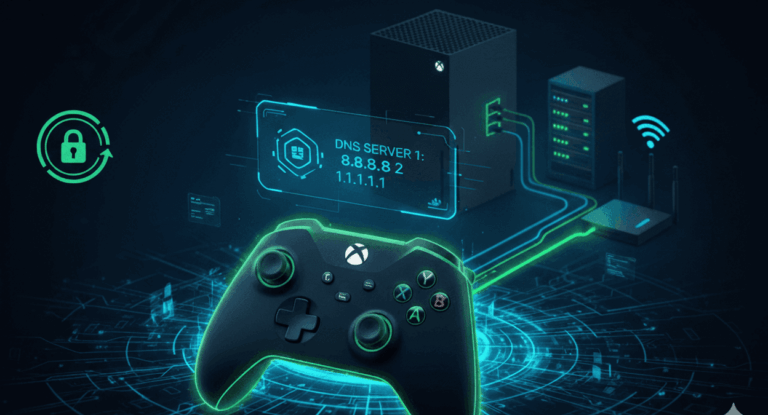
⚡ Why Set Custom DNS? Using custom DNS helps improve connection speed, stability, and reduce lag during gameplay.Set these DNS addresses for the best gaming experience: Primary DNS: 185.164.138.20 Secondary DNS: 45.82.67.59 🧭 Step-by-Step Guide Open your Xbox Console. From your controller, go to the Home Screen. Navigate to the top-left corner and select Profile & System. Choose Settings ⚙️ Go to General → Network Settings Select Advanced Settings Choose DNS Settings Select Manual Enter the following: Primary DNS: 185.164.138.20

Read More »