How to Choose the Best Call of Duty VPN
Friday night. Squad online. Headset ready. You drop into Warzone expecting a smooth run. Instead, you get packet loss. High ping. Sweaty lobbies that feel like tournament finals. You tweak graphics. Restart router. Blame your ISP. The issue might not be your setup. It might be routing.
Learning how to choose the best Call of Duty VPN can mean the difference between frustrating lag and consistent gameplay. But choosing blindly can make things worse. Not all VPNs are built for gaming, and some will increase latency instead of reducing it.
Let’s break this down properly.
Why Gamers Use a VPN for Call of Duty
A quality VPN for Call of Duty can help with:
- Reducing routing inefficiencies
- Stabilizing packet delivery
- Accessing different server regions
- Avoiding ISP throttling
- Improving matchmaking conditions
Many players also use a VPN for Warzone to experiment with lobby difficulty or access alternative regions. However, results depend heavily on provider quality and configuration.
What Actually Matters When Choosing a Call of Duty VPN
If you are researching Best Call of Duty VPNs, focus on performance metrics, not marketing claims.
1. Low Latency Infrastructure
Look for:
- Gaming-optimized routing
- High-speed WireGuard protocol
- 10 Gbps server capacity
- Minimal encryption overhead
Encryption standards like AES-256 are great for privacy, but inefficient routing increases ping. The provider must balance both.
2. Server Location Diversity
The Best Server Locations for Call of Duty VPN Users vary depending on goals.
If you want lower ping:
- Choose geographically close servers.
If you want less competitive lobbies:
- Players often test regions with lower population density.
For Warzone specifically, many gamers explore Best Warzone Server Locations such as:
- Certain South American regions
- Middle Eastern servers
- Southeast Asian servers
Latency and matchmaking difficulty depend on timing and region load.
3. Console Compatibility
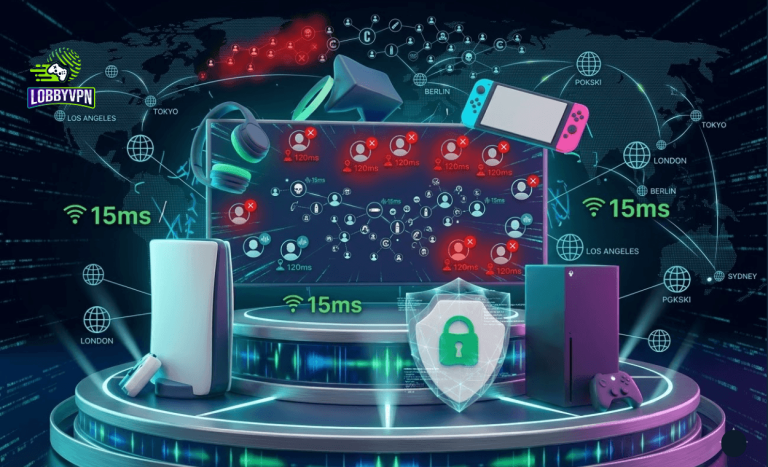
Console players need a Best Console VPN solution that works via:
- Router installation
- Smart DNS configuration
- Dedicated router firmware
Direct VPN apps are not available on PlayStation or Xbox. Router-level setup is critical.
4. Stable Performance for New Releases
Gamers searching for the Best VPN for Black Ops 7 should prioritize providers with:
- High-capacity infrastructure
- Automatic server scaling
- DDoS protection
New Call of Duty releases generate heavy traffic spikes. Weak VPN networks collapse under load.
Can a VPN Turn SBMM Off in Warzone?
Let’s address this directly. A VPN does not technically disable Skill-Based Matchmaking. However, changing regions can affect matchmaking pools.
Some players attempt to Turn SBMM off in Warzone by connecting to lower-population servers at off-peak hours. Results vary. Activision’s algorithm is complex and not fully transparent.
A VPN changes routing and region signals. It does not override game mechanics.
Avoid These Common Mistakes
Many performance issues come from poor setup.
Common Mistakes Gamers Make When Using a VPN
- Choosing the cheapest provider
- Using overloaded free servers
- Connecting to geographically distant regions unnecessarily
- Ignoring protocol selection
- Running VPN and high-latency DNS simultaneously
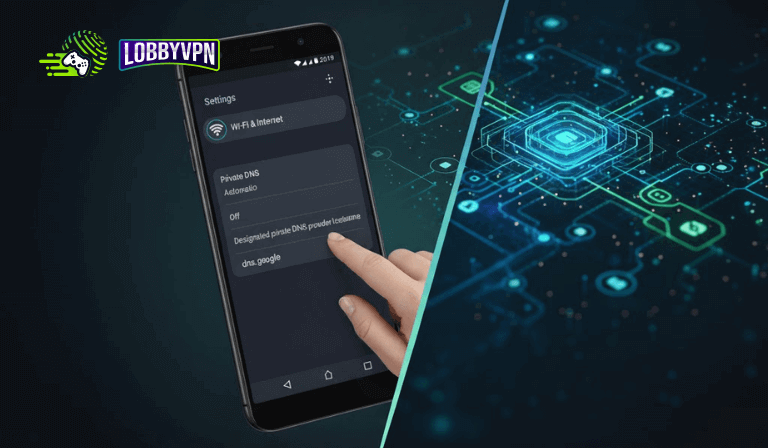
Speaking of DNS, pairing your VPN with the best DNS servers for gaming can improve resolution speed. Popular low-latency DNS providers often reduce milliseconds off server lookup time.
Are Free VPNs Worth It?
Short answer: rarely.
Free VPNs for Warzone often come with:
- Bandwidth caps
- Server congestion
- High latency
- Data logging concerns
Gaming requires speed consistency. Free networks struggle under load. Paid services with optimized infrastructure provide more stable routing.
What Separates the Best Call of Duty VPNs From the Rest
When comparing the Best Call of Duty VPNs, look for:
- Dedicated gaming servers
- WireGuard or proprietary high-speed protocols
- Global server distribution
- Router compatibility
- No-logs policy
- Stable ping under load
Avoid providers that advertise bot lobbies without infrastructure proof. Performance metrics matter more than hype.
Quick Checklist Before You Subscribe
Use this framework when evaluating how to choose the best Call of Duty VPN:
- Is the server close to your location for low ping?
- Does the provider support console router configuration?
- Can you switch protocols easily?
- Are there optimized servers for Warzone?
- Is the network scalable during major launches?
Test with trial periods when possible.
FAQs
What is the best VPN for Call of Duty?
The best VPN for Call of Duty depends on your location and goals. Prioritize low latency, gaming-optimized routing, and stable infrastructure.
Does a VPN reduce ping?
Sometimes. If your ISP routes traffic inefficiently, a VPN may create a shorter routing path. If poorly configured, it can increase latency.
Can a VPN help in Warzone?
A VPN for Warzone may improve routing stability and allow region switching. Results depend on timing and server load.
Is using a VPN bannable in Call of Duty?
Using a VPN is generally allowed, but exploiting matchmaking systems may violate terms of service. Always review current policies.
Should I use Smart DNS or full VPN?
For console players, Smart DNS may reduce latency overhead, but full VPN provides stronger routing control and encryption.
Final Thoughts
Understanding how to choose the best Call of Duty VPN is about performance, not shortcuts.
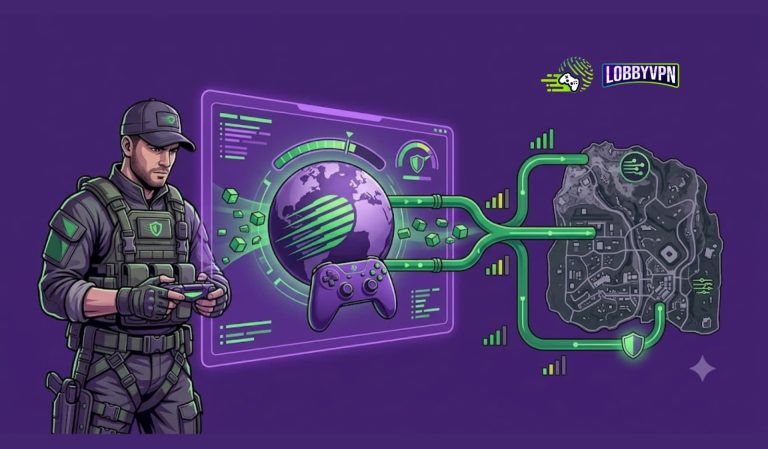
A VPN is a routing tool. It can improve connection stability, reduce ISP throttling, and allow regional flexibility. It cannot magically replace skill or permanently override matchmaking systems.
The smartest players test carefully, monitor ping changes, and prioritize stability over hype. Optimize your setup. Choose infrastructure over marketing. Then drop in prepared.