
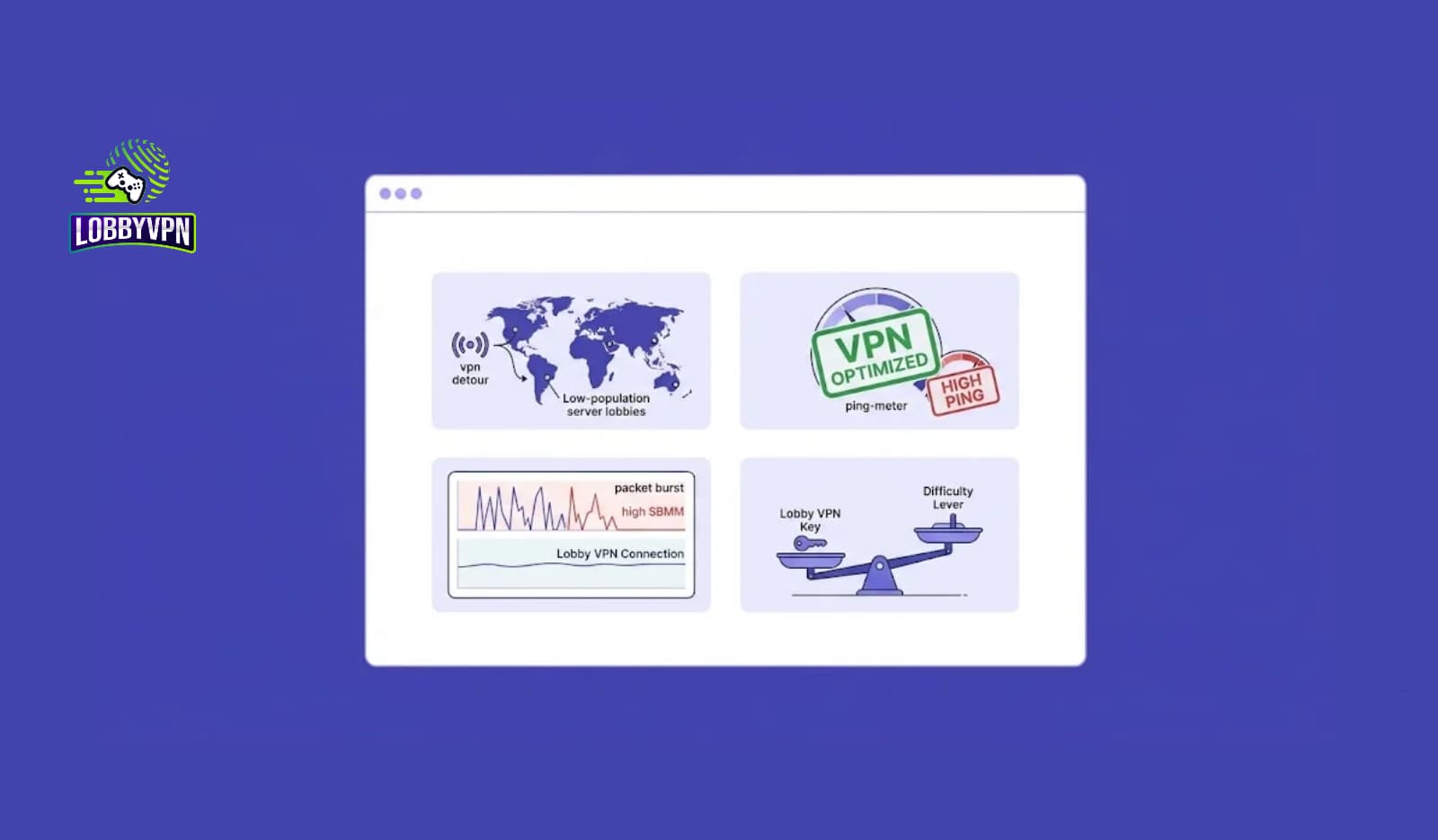
Search for “bot lobbies VPN” and you will find plenty of pages that treat it like a setting you can switch on. Pick a country, connect, enjoy weaker opponents. We would love to tell you it works that way. It doesn’t, and any VPN that promises it is selling you a story.
Here is what is true. A VPN changes the route your traffic takes to the game and the IP address the game sees. That is all it does. Sometimes a different route improves your ping or steadies a shaky connection. Sometimes it makes things worse. And matchmaking, the system that decides who you play against, runs on the game’s side, where no VPN can reach it.
This guide walks through what a gaming VPN can influence, what it can’t, and how to test it on your own setup instead of trusting anyone’s marketing, ours included.
A truth for every gaming VPN
A VPN cannot guarantee bot lobbies, lower ping, zero packet burst, or the removal of skill based matchmaking (SBMM). Each of those outcomes depends on a chain of things, and a VPN only touches part of it:
You > your router > your ISP > VPN server > internet routes > game server > matchmaking systemChange one link and the rest stay as they were. If your Wi-Fi is the weak link, or the game’s matchmaking pool is what you dislike, swapping one link in the middle may do nothing at all.
What a gaming VPN actually changes?
Without a VPN, your traffic leaves your ISP and follows whatever path your ISP’s agreements and equipment pick toward the game server. With a VPN, it goes first to the VPN server, then onward from there.
Without VPN:  You > ISP > internet routing > game server
With VPN:     You > ISP > VPN server > internet routing > game server
Two things change. The path, and the public IP address (and so the apparent location) that the game sees.
The path matters because internet routing is not always efficient. Providers hand traffic to one another according to commercial arrangements, and the shortest physical route is not always the one used. Occasionally a VPN server sits on a better connected network and the detour turns out shorter in practice. More often, adding a stop adds a little delay, because encryption and an extra hop both cost something.
So the honest framing is this: a VPN does not make a connection faster. It can, in some cases, make the route better. Those are different claims.
Can a VPN lower your ping?
Ping is the round trip time, in milliseconds, between your device and the game server. Distance is part of it, since data travels fast but not instantly. The rest is the quality of the route: how many networks it crosses, how congested they are, how well they hand traffic off.
If your ISP sends your traffic along a congested path, a VPN server elsewhere might reach the same game server along a cleaner one. If the VPN server is poorly placed, you pay for a longer trip and your ping rises.
The numbers below are invented to show the idea. They are not measurements.
| Route | Path | Example ping |
|---|---|---|
| A | You > ISP > congested route > game server | 58 ms |
| B | You > VPN > efficient route > game server | 42 ms |
| C | You > VPN > longer route > game server | 76 ms |
Route B is the story VPN ads like to tell. Route C happens just as often, and ads leave it out. The VPN did not lower or raise anything in either case. The route decided the ping, and the VPN only changed which route you got.
The practical consequence is that the best VPN server for gaming is rarely the one nearest to you. It is the one that sits close to the game server and has a clean path to it. Those two things are not always the same place.
What packet burst is, and what a VPN can do about it?
Packet burst is the name players give to a moment when the game seems to stall and then catch up all at once. Enemies freeze, then teleport. Your shots feel late. Underneath, data packets were delayed or lost and then arrived together.
It is a symptom, not a single fault, and it can come from many places:
- Congestion on your home network, especially when others are streaming or downloading
- Wi-Fi interference or a weak signal
- A busy or poorly performing stretch of your ISP’s network
- Jitter, meaning your ping swings around instead of staying steady
- Packet loss somewhere along the route
- Problems on the game’s own servers
A VPN may help when the cause sits in the routing part of that list, for example a congested ISP path it can step around. It cannot help with the others. If the trouble is between your device and your router, no VPN server anywhere will repair it. If the game’s servers are struggling, you will see the same stalls through any route.
Before you reach for a VPN, try a wired connection. It is dull advice and it solves more problems than anything else on this list.
Can a VPN bypass SBMM?
It helps to separate three things people tend to blur together.
Your IP address and apparent location. A VPN can change these.
Matchmaking. The game decides who you are placed with, using its own rules, server availability, and who is online and queueing.
Skill based matchmaking. If a game uses skill related inputs, such as past performance, a new IP address does not erase them. Those inputs usually belong to your account, not your network.
Activision has said in public posts that skill is one of the factors in Call of Duty matchmaking, alongside things like connection quality and wait time. We are not going to pretend to know the exact weighting, because the company does not publish it. What follows from that is simple enough. A VPN changes where you appear to be connecting from. It does not switch off an algorithm that keys on who you are as a player.
That is why we won’t say a VPN “bypasses” SBMM. At best, location might alter which pool of players you are queued with. Whether that makes anything easier is a separate question, and the answer depends on the game, the mode, and the hour.
Where the “bot lobby” idea comes from?
Part of the problem is that “bot lobby” means different things to different people. Some players mean opponents that are literally AI controlled. Others mean a lobby where the competition felt weaker than usual. Others mean a quiet region with fewer people online, or a game that fell back on a different matchmaking pool.
Players who connect through a VPN and then have one easy night naturally credit the VPN. It is a human thing to do. One session tells you very little, though. Time of day, who else was queueing, a streak of good luck, an off night for the other team: all of those produce easy lobbies without any VPN involved. And a player who also had three hard lobbies on the same VPN tends to remember the easy one.
It is plausible that changing location sometimes changes the pool you are matched into. It is also plausible that it makes queues longer, or changes nothing. A claim like “connect to Country X and you will always get bot lobbies” has no solid evidence behind it that we know of, and it is very hard to prove. If you see someone present one, ask how many matches they tested and whether they published the bad results too.
Using a VPN for Call of Duty: what is worth knowing
There is a sensible way to use a Call of Duty VPN, and it starts with expectations. Treat it as a routing tool that you test, not a matchmaking cheat.
A few practical points that apply across the series:
Check your current numbers first. Call of Duty lets you display latency and packet loss on screen through its telemetry options, usually found in the interface settings. Record what you see without a VPN before changing anything. Without a baseline, you cannot tell whether a VPN helped.
Warzone is its own case. Large player counts, long matches, and a lot happening on the map mean connection quality matters in a different way than in a quick 6v6 match. If you are looking at a VPN for Warzone, pay attention to jitter and packet loss as well as ping. A steady 55 ms often plays better than a connection that swings between 30 and 90.
Black Ops has its own servers and its own player base. A server location that suits one title may not suit another, and results can shift when a new release changes how the game connects. Test a VPN for Black Ops on that game specifically instead of assuming another title’s results carry over.
Read the rules. Publishers set their own terms, and some discourage or restrict VPN use. Check the current terms of service for your game before you use any COD VPN, and understand that you are responsible for how you use your account.
If you want a quick comparison of options, our page on the COD VPN covers server locations and setup.
How to test whether a VPN helps your connection?
You don’t need special software. You need patience and a notepad.
Start with a control. Play a few matches with no VPN and write down your ping, jitter if you can see it, and packet loss. Then connect to one VPN location and repeat under the same conditions: same game and mode, same device, same wired or wireless connection, same time of day. Change one thing at a time. If you try three locations, do it in separate sessions rather than hopping between them mid match.
A simple log is enough:
| Metric | No VPN | VPN location 1 | VPN location 2 |
|---|---|---|---|
| Average ping | |||
| Ping swing (jitter) | |||
| Packet loss | |||
| Burst or stall incidents | |||
| Time to find a match |
Skip K/D ratio as your main measure. It is far too noisy over a handful of games, and it will mostly tell you how you played, not how the network behaved. Connection numbers are the ones worth trusting.
Two cautions. A few matches prove nothing, so aim for a decent sample before drawing conclusions. And results are local: a location that works well for someone in Los Angeles on one ISP may do nothing for a player in London, Mumbai, Dhaka, or Dubai on another.
How we plan to test this at Lobby VPN?
We think the better answer to bold marketing is evidence, so we are building a public series we call the Lobby VPN Lab. Each entry will set out its method, show the raw measurements, share screenshots or video where useful, and state its limits plainly.
The first topics are the ones players ask about most: whether a VPN lowers ping, whether changing location affects matchmaking, what actually causes packet burst, and which locations work best for specific games from specific regions. If a location performs worse than playing without a VPN, we will publish that too. A result that makes us look bad is still a useful result.
The point is not to prove that a VPN always works. It is to find out under what conditions it does.
What Lobby VPN can and can’t promise?
| Claim | Our position |
|---|---|
| Change your IP address and apparent location | Yes |
| Change your network route | Yes |
| Improve routing | Sometimes |
| Lower ping | Sometimes, depending on the route |
| Improve connection stability | Possibly, depending on the cause |
| Eliminate packet burst | We can’t guarantee it |
| Guarantee bot lobbies | No |
| Guarantee easier opponents | No |
| Disable SBMM | No |
Frequently asked questions
Does a VPN make Warzone lobbies easier?
There is no reliable evidence that it does. A VPN can change your route and apparent location, and that may sometimes affect which players you are queued with, but the game’s matchmaking rules still apply to your account.
Can a VPN reduce lag in Call of Duty?
Sometimes. It can help when your ISP’s route to the game server is congested or inefficient and the VPN offers a better one. It can also add delay if the server is far away. Measure before and after.
Will a VPN fix packet burst?
Only if the cause is in the routing. Home network congestion, weak Wi-Fi, and server side problems will remain. A wired connection is the first thing to try.
Is it safe to use a VPN with Call of Duty?
Technically it works with many setups, but publishers set their own rules and some restrict VPN use. Read the current terms for your game and decide for yourself whether the risk is acceptable.
What to take away from this
A VPN is a tool for changing your route, and whether that route is better depends on where you live, who your ISP is, which game you play, and when. That is a less exciting claim than “bot lobbies on demand”, but it is one you can check.
So skip the promises and run the test. Record your baseline, try one or two locations, change one variable at a time, and keep whichever setup actually gives you steadier numbers. If none of them do, that is a fair result too, and it probably means your problem sits closer to home.