
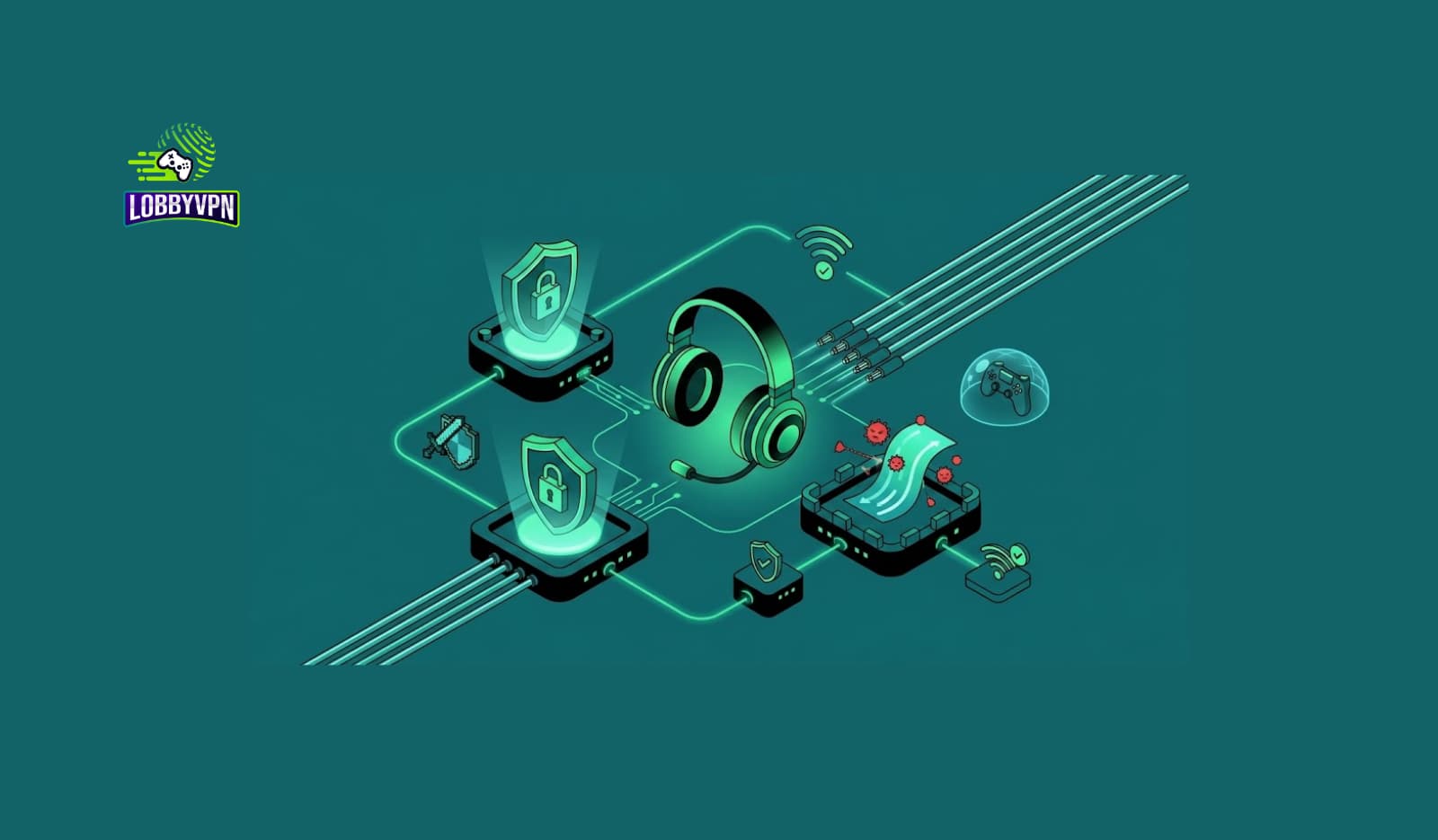
Most players think about their network twice: once when it’s slow, and once when it drops mid-match. Gaming network security rarely gets a third thought, right up until an IP grab turns into a DDoS attack that boots an entire lobby offline, or a reused password on a gaming account turns into a stolen inventory and a locked-out email. Performance and security aren’t separate conversations either. The same router settings, DNS choices, and routing decisions that lower your ping also determine how exposed your connection is in the first place.
This guide covers both halves properly: how to actually secure a gaming network against the threats competitive online play creates, and how to optimize that same connection for lower latency without compromising the security side. Whether you’re troubleshooting a specific Call of Duty connection issue or building a safer setup from the ground up, the goal here is the same one behind every guide we publish: practical steps backed by how these systems actually work, not vague reassurance.
What Gaming Network Security Actually Covers
Gaming network security refers to the combination of practices, settings, and tools that protect your connection, your IP address, and your account credentials while you play online. It sits at the intersection of two things gamers usually treat separately: general home network security and the specific threats that competitive, matchmaking-based games introduce.

Three categories make up most of what matters:
- Connection-level security. Protecting your IP address and network from being targeted directly, most commonly through DDoS attacks in games with peer-to-peer elements.
- Account-level security. Protecting your login credentials, linked payment methods, and platform accounts from phishing, credential stuffing, and social engineering.
- Device and router security. Keeping the hardware between you and the internet, your router, modem, and home network, patched and configured correctly.
Ignoring any one of these leaves the other two only partially effective. A hardened password does nothing if your router firmware is years out of date, and a locked-down router doesn’t stop a phishing email from handing over your Activision credentials.
Why This Matters More for Competitive Players
Casual single-player gaming carries essentially none of these risks. Competitive online play is different for a specific, structural reason: matchmaking and party systems in many titles expose more about your connection than players realize.
In games with peer-to-peer or hybrid networking elements, opponents or even teammates can sometimes see or extract a player’s IP address through third-party tools, especially in party chat systems built on older networking standards. Once someone has that IP, launching a basic denial-of-service attack against it doesn’t require much technical skill, which is exactly why “lobby DDoS” complaints show up disproportionately in competitive shooters and battle royale titles rather than single-player or fully server-authoritative games. Call of Duty’s Warzone and multiplayer have both had periods where this was a documented community complaint, serious enough that pro players and streamers have discussed it publicly during livestreams and tournament incidents.
That context is also why gaming network security gets discussed alongside performance topics like ping and matchmaking so often. A VPN that hides your real IP address is solving a security problem first, even though most players discover it while searching for a performance fix. We cover that specific defensive use case in more depth in our guide on how to avoid DDoS attacks while gaming.
The Core Threats: A Quick Reference
| Threat | What It Is | Who’s Most at Risk |
|---|---|---|
| DDoS / IP-stress attacks | Overwhelming your connection with traffic once your IP is known, often to force a match loss or knock a streamer offline | Players in P2P-heavy games, streamers, competitive party leaders |
| IP grabbing | Extracting a player’s real IP address through party chat exploits or third-party lookup tools | Anyone using voice chat systems with weaker IP masking |
| Credential stuffing | Using leaked username and password combinations from other breaches to break into gaming accounts | Players who reuse passwords across multiple sites |
| Phishing | Fake login pages or messages designed to steal account credentials, often disguised as official support or giveaway messages | Players active in gaming Discord servers and social platforms |
| Router-level exploits | Attacks that target outdated router firmware or default admin credentials to gain network access | Anyone who hasn’t updated router firmware or changed default passwords |
How to Secure Your Gaming Network: Step by Step
1. Mask Your IP Address With a Gaming VPN
Since IP exposure is the root cause behind most connection-level attacks, hiding your real IP address behind a VPN server removes the attacker’s primary target entirely. This is the single highest-impact step for anyone who’s experienced or wants to prevent IP-based attacks, and it’s a different use case from VPN-for-ping discussions, even though the same tool often serves both. Our dedicated breakdown of Call of Duty VPN setup covers this specifically for COD titles, where party-based voice chat has historically been a common exposure point.
2. Update Router Firmware and Change Default Credentials
Router manufacturers regularly patch security vulnerabilities, but most consumer routers don’t update automatically. Log into your router’s admin panel every few months to check for firmware updates, and if you’ve never changed the default admin username and password, do that immediately. Default credentials for most router models are publicly documented, which makes this one of the easiest entry points for an attacker to exploit.
3. Use Strong, Unique Passwords and Enable Two-Factor Authentication
Credential stuffing attacks work because so many people reuse passwords across accounts. A password manager solves this without adding friction, and enabling two-factor authentication on your gaming platform accounts, Activision, Steam, PlayStation Network, Xbox Live, closes off the most common account-takeover path even if a password does leak somewhere else.
4. Be Skeptical of DMs, Friend Requests, and “Support” Messages
Phishing in gaming communities usually arrives disguised as a giveaway, a tournament invite, or a fake support ticket claiming your account is at risk. Legitimate platform support will never ask for your password through a direct message. When in doubt, navigate to the platform’s official site directly rather than clicking a link sent to you.
5. Segment Gaming Devices on Your Network Where Possible
If your router supports guest networks or VLANs, putting gaming consoles on a separate network segment from devices holding sensitive personal data (laptops with banking access, smart home hubs) limits what an attacker can reach even if one device on your network is compromised. This is a more advanced step, but it’s increasingly accessible on consumer mesh router systems.
6. Choose DNS Providers That Support Security Features
Beyond speed, some DNS providers offer built-in filtering against known malicious domains, adding a layer of protection against phishing sites and malware distribution points before you even click through. Our comparison of best DNS servers for gaming covers which providers balance speed and security features well.
Gaming Network Optimization: Where Security and Performance Overlap
Once the security fundamentals are in place, the same network cleanup work tends to improve performance too. A properly configured router with QoS settings prioritizes gaming traffic; a VPN masking your IP can, in specific ISP-routing scenarios, also produce a more direct path to a game server. Ping, jitter, and packet loss remain the three metrics worth tracking, and a stable, secure connection tends to score better on all three simultaneously.
For Call of Duty specifically, network settings like NAT type, DNS configuration, and wired versus wireless setup affect both your matchmaking experience and your exposure to connection-based attacks. We cover the performance side of this in detail in our guide on reducing lag spikes over Wi-Fi, and the matchmaking mechanics themselves, including how SBMM factors into connection quality, are explained in our breakdown of how SBMM works in Call of Duty.
Choosing a Gaming VPN for Security (Not Just Speed)
Not every VPN is built with gaming’s specific threat model in mind. A VPN designed for streaming or general browsing prioritizes server variety and content unblocking, not the low-latency, gaming-optimized routing and IP-masking reliability that competitive play actually needs. A few things worth checking before choosing one:
- Server coverage near your actual gaming region, since a distant server adds latency even while it protects your IP.
- A no-logs policy, since a VPN that keeps connection logs undermines the privacy benefit you’re paying for.
- Protocol support built for low latency, covered in more depth in our guide to best VPN protocols for gaming.
- Kill switch functionality, which prevents your real IP from leaking if the VPN connection drops mid-session.
If you’re comparing options broadly, our full best VPN for gamers roundup walks through the buyer’s checklist in more detail, and for Call of Duty specifically, our gaming VPN for COD players guide addresses both the security and performance angles together. Lobby VPN was built around exactly this dual requirement: IP masking and no-logs privacy paired with routing engineered for Call of Duty’s actual server infrastructure, rather than treating gaming as an afterthought behind streaming or torrenting use cases.
Common Mistakes Players Make
- Assuming console gaming is immune to these threats. IP exposure and account-level attacks affect PlayStation, Xbox, and PC players roughly equally, since the vulnerability usually sits in the game’s networking layer or the platform account, not the hardware.
- Reusing the same password across gaming and non-gaming accounts. This turns any unrelated data breach into a potential gaming account compromise.
- Leaving default router credentials unchanged. It’s one of the fastest fixes on this entire list and one of the most commonly skipped.
- Treating a VPN purely as a performance tool. Its security function, hiding your IP from other players, matters just as much and shouldn’t be an afterthought when choosing one.
- Ignoring firmware updates until something breaks. Security patches often ship quietly, well before an exploit becomes public knowledge.
Best Practices Checklist
- Mask your IP address with a gaming-optimized VPN, especially if you play titles with party-based voice chat.
- Update router firmware regularly and replace default admin credentials immediately after setup.
- Use a password manager and enable two-factor authentication on every gaming platform account.
- Treat unsolicited DMs and “support” messages with default skepticism, and verify through official channels only.
- Segment gaming devices from sensitive personal devices on your home network if your router supports it.
- Choose a DNS provider that balances speed with basic security filtering.
- Review your security setup periodically, not just after an incident.
Frequently Asked Questions
What is gaming network security?
Gaming network security covers the practices and tools that protect your connection, IP address, and account credentials while playing online, spanning router configuration, VPN use, password hygiene, and awareness of phishing and DDoS-style attacks specific to competitive gaming.
Can other players see my IP address while gaming?
In some titles with peer-to-peer or party-based networking, yes, particularly through older voice chat systems, though this varies by platform and game. Masking your IP with a VPN removes this exposure regardless of the underlying game’s networking design.
Does a VPN protect against DDoS attacks while gaming?
A VPN protects against IP-targeted DDoS attacks specifically, by hiding your real IP address behind the VPN server’s address, so an attacker has nothing valid to target. It doesn’t protect against every category of attack, but IP-based denial-of-service is the most common threat competitive gamers actually face.
Is it safe to use a free VPN for gaming security?
Some free VPNs are reasonably safe but limited in server options and speed; others have questionable logging practices that undermine the privacy benefit entirely. Reading a provider’s privacy policy before trusting it with your gaming traffic is worth the five minutes it takes.
How do I know if my router has been compromised?
Warning signs include unfamiliar devices on your network, unexpected changes to router settings you didn’t make, and unusually degraded performance without an obvious cause. Checking your router’s connected-device list periodically is a simple habit that catches most of this early.
Does gaming network security slow down my connection?
Properly configured security measures, updated firmware, strong passwords, a well-chosen VPN, shouldn’t meaningfully slow your connection, and a gaming-optimized VPN can occasionally improve routing in specific ISP scenarios. Poorly chosen, non-gaming-focused security tools are more likely to introduce noticeable latency.
What’s the difference between gaming network security and general network security?
General network security covers protecting all devices and data on a home network. Gaming network security adds the specific threat model competitive online play introduces, IP exposure through matchmaking and party systems, account takeover targeting linked in-game purchases and cosmetics, and the performance-security overlap unique to real-time multiplayer games.
Should I use two-factor authentication for gaming accounts?
Yes, on every platform that supports it. It’s one of the most effective, lowest-effort defenses against credential stuffing and phishing-based account takeover, and most major gaming platforms now offer it at no cost.
Can changing my DNS provider improve gaming security?
Some DNS providers include filtering against known malicious and phishing domains as part of their service, adding a layer of protection beyond the speed benefits most players are looking for when they switch providers.
Is Call of Duty specifically vulnerable to IP-based attacks?
Warzone and multiplayer both have documented histories of community-reported IP exposure and DDoS incidents, particularly connected to party chat systems, serious enough that they’ve come up in public streamer and pro-player discussions. Masking your IP through a VPN is the most direct defense against this specific risk.

Final Words
Gaming network security isn’t a separate discipline from performance optimization; the two overlap more than most players assume. A hardened router, strong account credentials, and an IP-masking VPN address the real threats competitive online play introduces, while the same fixes often improve latency and connection stability as a side effect rather than a trade-off.
Treat security as ongoing maintenance rather than a one-time setup. Firmware needs updates, passwords need rotation, and the threat landscape around gaming accounts keeps shifting as attackers follow wherever the in-game economy and player base grow.
If IP exposure or DDoS risk is part of what brought you here, that’s exactly the problem Lobby VPN was built to solve for Call of Duty players specifically: IP masking and no-logs privacy paired with routing engineered around COD’s own server infrastructure, not a general-purpose VPN doing double duty. Set it up once and you’ve closed off the most common attack vector competitive players actually face.